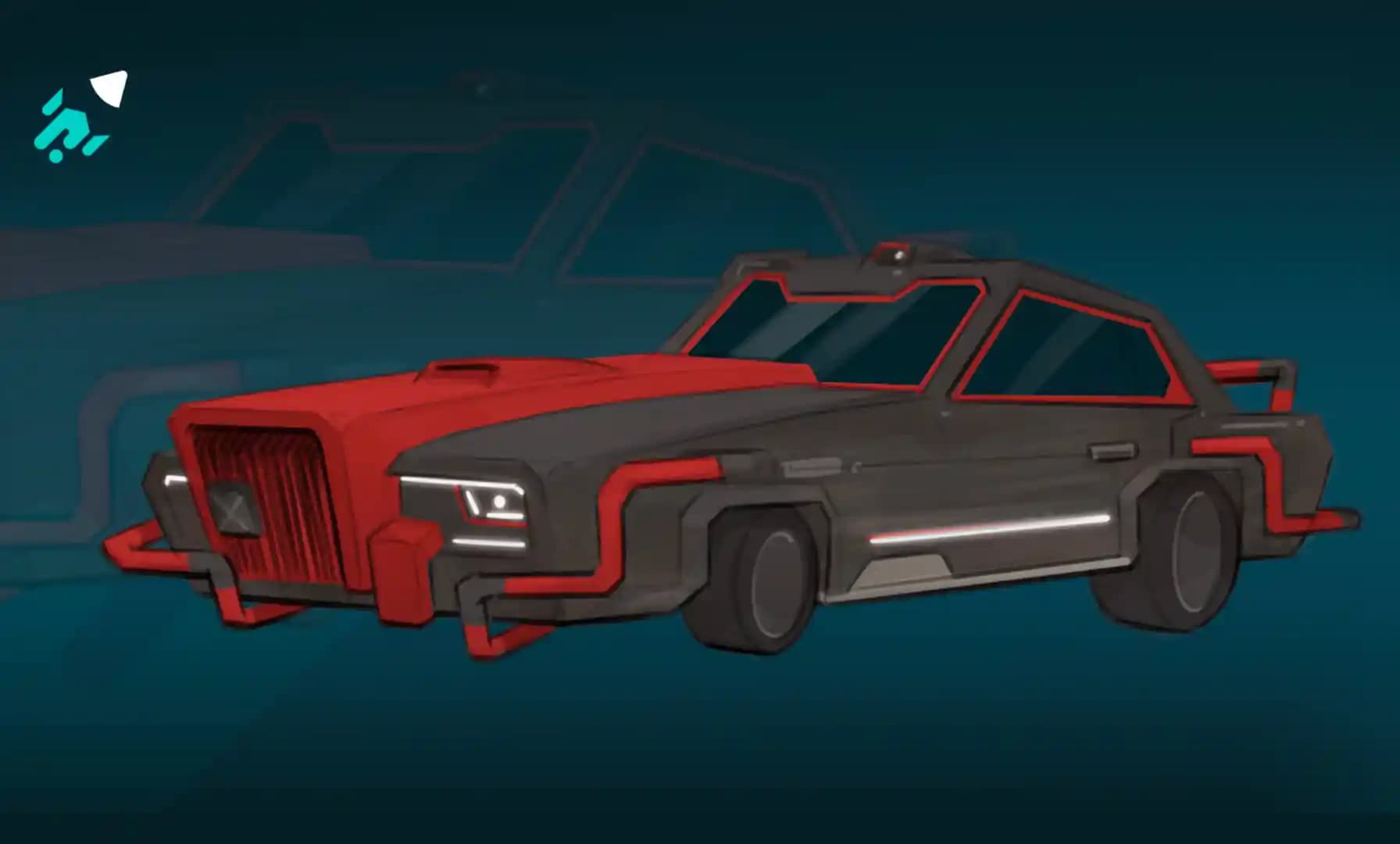
Drawing Cyberpunk Vehicles: Futuristic Design and Concept Art Tips
How to Draw Cyberpunk Vehicles: Futuristic Concept Art
Cyberpunk vehicles are bold, futuristic, and full of attitude! However, strong cyberpunk design is built on structure first, then enhanced with tech details, lighting, and atmosphere.
In this exercise, you’ll break down an existing cyberpunk vehicle, redesign your own version, and use light and color to push it into a fully realized futuristic illustration.
Let’s build something futuristic!
Step 1: Study and Trace a Cyberpunk Car
Pick a cyberpunk car design you like. Focus on the overall shape and trace it using clean lines.
Pay attention to:
Silhouette
Proportions
Tech elements (panels, lights, vents, add-ons)
Shape language (sharp vs. rounded forms)
This step isn’t about copying - it’s about analyzing what makes the design feel futuristic.
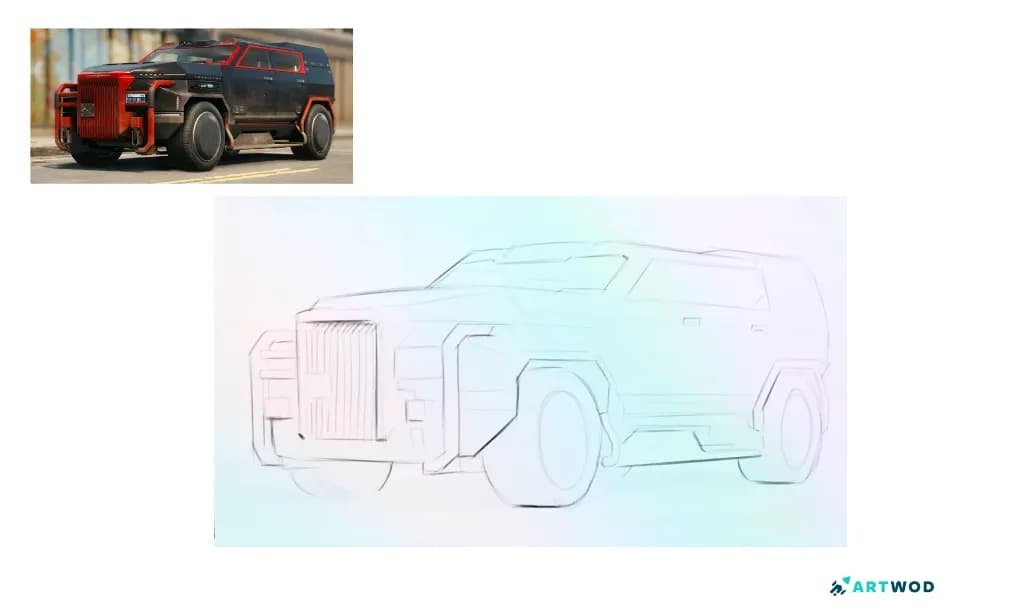
Step 1 How to Draw Cyberpunk Vehicles: Futuristic Concept Art
Step 2: Modify a Base Car Design
Now draw your own car or use one of the provided base car templates.
Using the elements you observed in Step 1, alter your car design by adding:
Futuristic panels
Extra lights
Exaggerated proportions
Mechanical details
Cyberpunk-inspired shapes
Keep the base structure and each form clear. Design works best when it starts simple and evolves gradually.
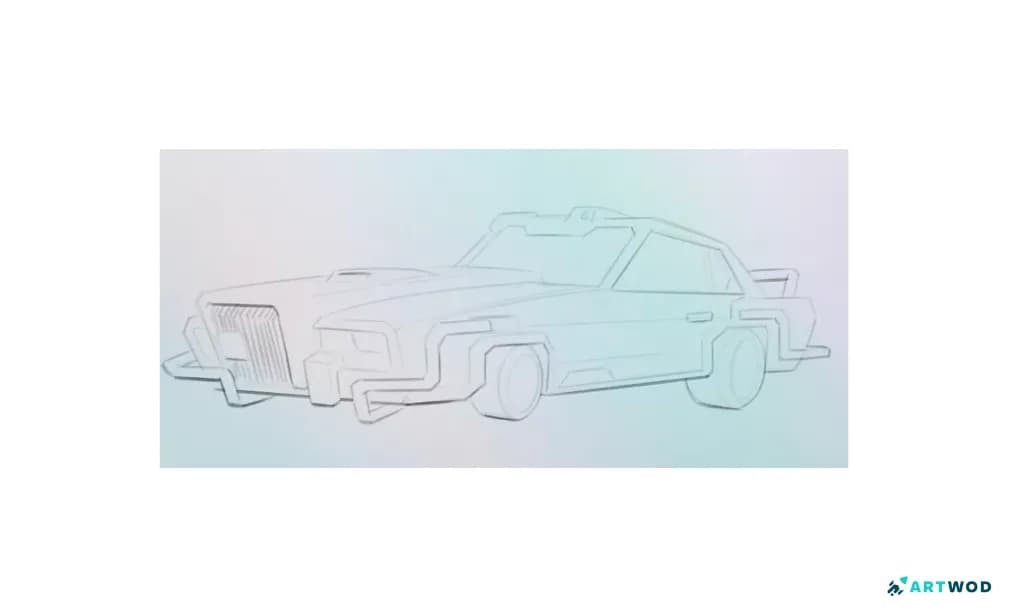
Step 2 How to Draw Cyberpunk Vehicles: Futuristic Concept Art
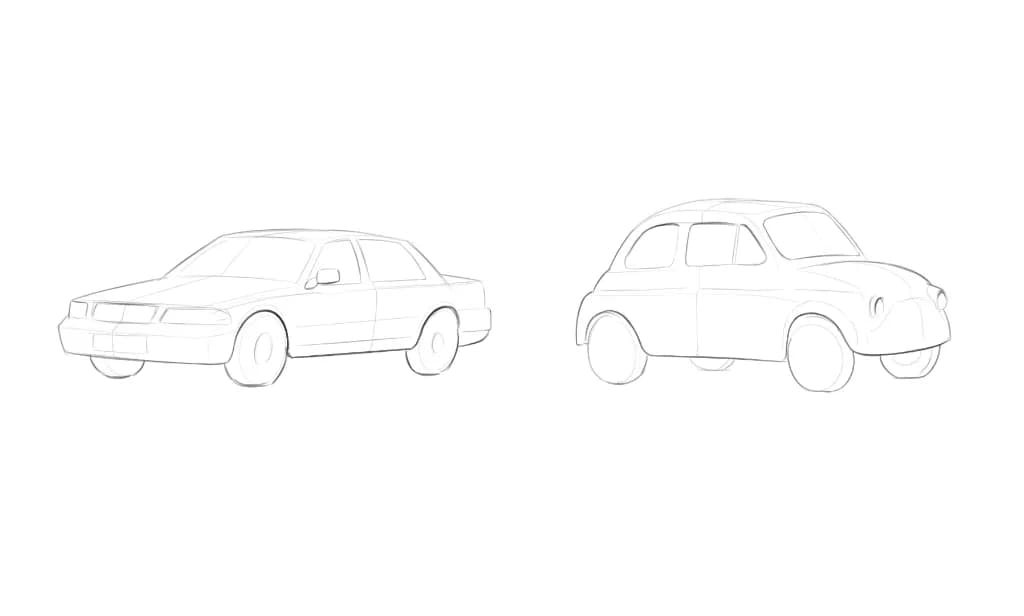
Car designes to choose from (or draw yours first!)
Step 3: Add a Flat Color Layer
Create a flat color layer underneath your line art. Keep the colors simple for now - you’re establishing the base palette.
Cyberpunk designs often use darker base tones, which make neon lighting stand out later.
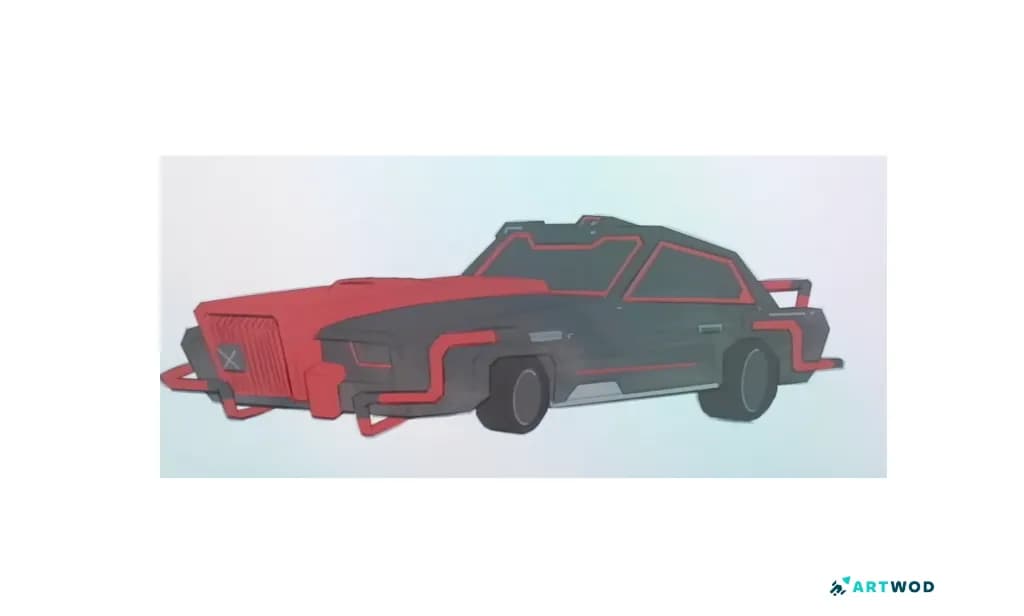
Step 3 How to Draw Cyberpunk Vehicles: Futuristic Concept Art
Step 4: Add Shadows Using Multiply
Create a new layer and set it to Multiply. Add shadows to define the volume of the car.
Focus on:
Large shadow areas first
Clear separation between light and shadow
Enhancing the 3D form
This step gives your car weight and realism.
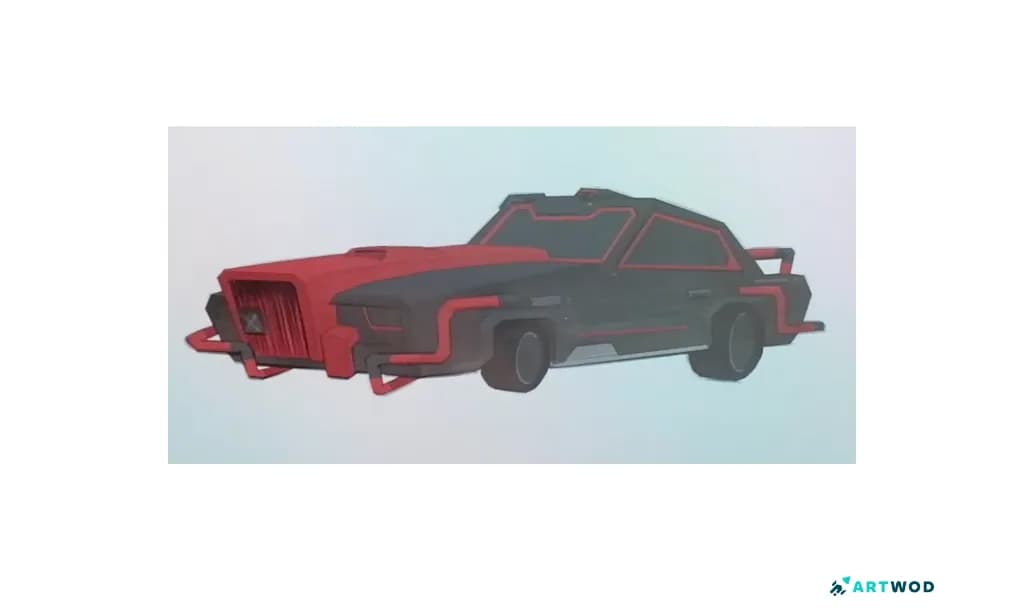
Step 4 How to Draw Cyberpunk Vehicles: Futuristic Concept Art
Step 5: Add Neon Lights
Create a new layer for neon lights and use a bright, saturated color.
To create a glow effect:
Duplicate the neon layer.
Change the duplicate’s blend mode to Add.
Apply a Gaussian Blur to the duplicated layer.
This creates a soft glow around your lights and instantly gives the illustration that cyberpunk atmosphere.
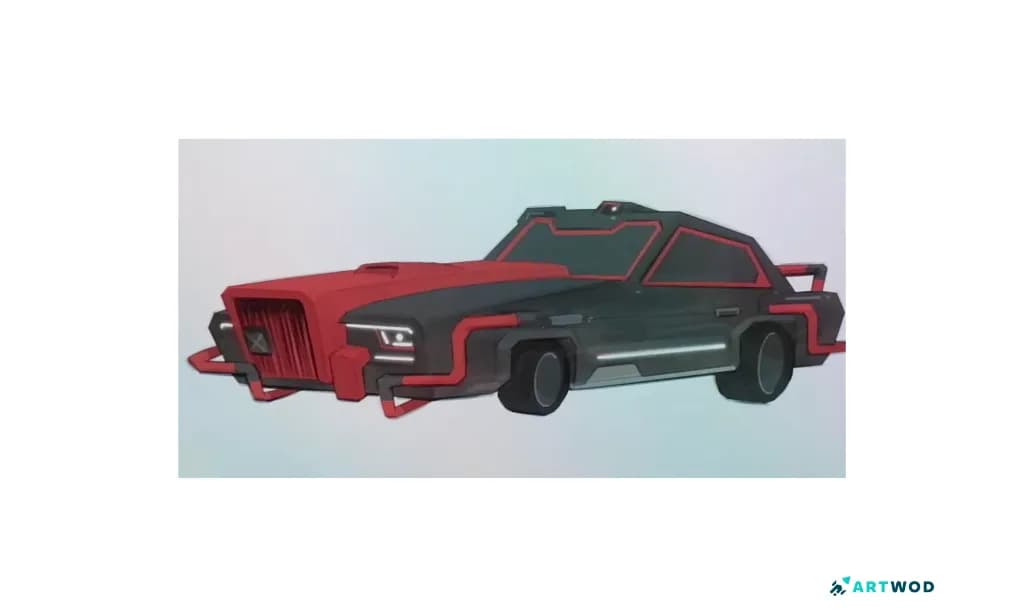
Step 5 How to Draw Cyberpunk Vehicles: Futuristic Concept Art
Bonus Step: Add a Cyberpunk Background
To push the design further, create a simple cyberpunk background. Here’re some ideas:
City silhouettes
Neon signs
Fog or haze
Reflections on wet ground
This will turn your vehicle design into a complete cyberpunk illustration.
Designing a cyberpunk car isn’t just about adding neon lights - it’s about starting with a strong structure, understanding shape language, and then layering in details and lighting intentionally.
By studying existing designs, modifying base forms, and using simple digital painting techniques like Multiply shadows and neon glow effects, you can create futuristic vehicles that feel believable and dynamic.
Share your cyberpunk car on Instagram (@art_wod) or Discord, and upload it to the Artwod Feedback Tool to receive constructive visual feedback from the community.
Now go design something straight out of the future 🚗✨
Related Posts