Hattie5 months ago
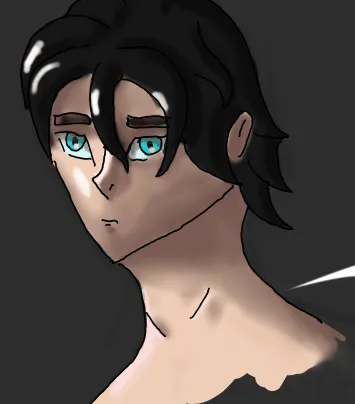
You could add him some more forms in the face and a right shoulder
You could add him some more forms in the face and a right shoulder
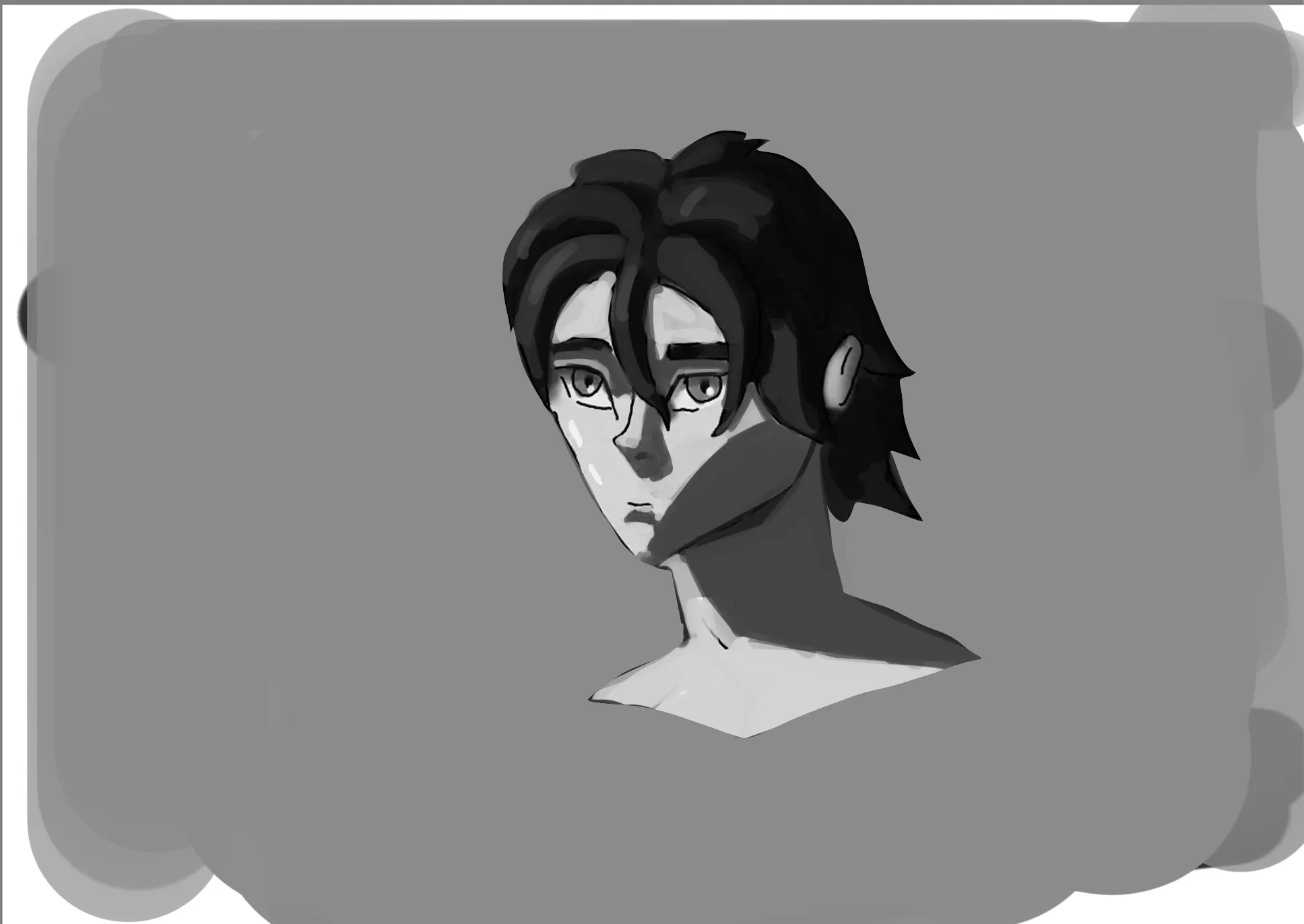
Hey! If you’re learning digital painting, I’d highly recommend starting by painting only in grayscale values first. Why values? Because values are the foundation of painting and one of the most important fundamentals to understand before jumping into color. Painting in grayscale helps you focus on form, lighting, blending, soft and hard edges, and overall volume without having to worry about color relationships at the same time. When you paint directly in color, you also have to think about how colors interact with each other, how the light source affects the local color, temperature shifts, and many other things, which makes the process much more complex. That’s why I’d recommend focusing mainly on values for now On top of that, keep the planes of the face in mind when painting. Try thinking of the head like a box: you’ll have one side directly affected by the light, another plane in shadow that still receives some ambient light, and areas transitioning between both. There are also great tools that can help you understand facial planes better, such as the Asaro Head. It’s incredibly useful for understanding how light interacts with the structure of the face. Hope this helps!
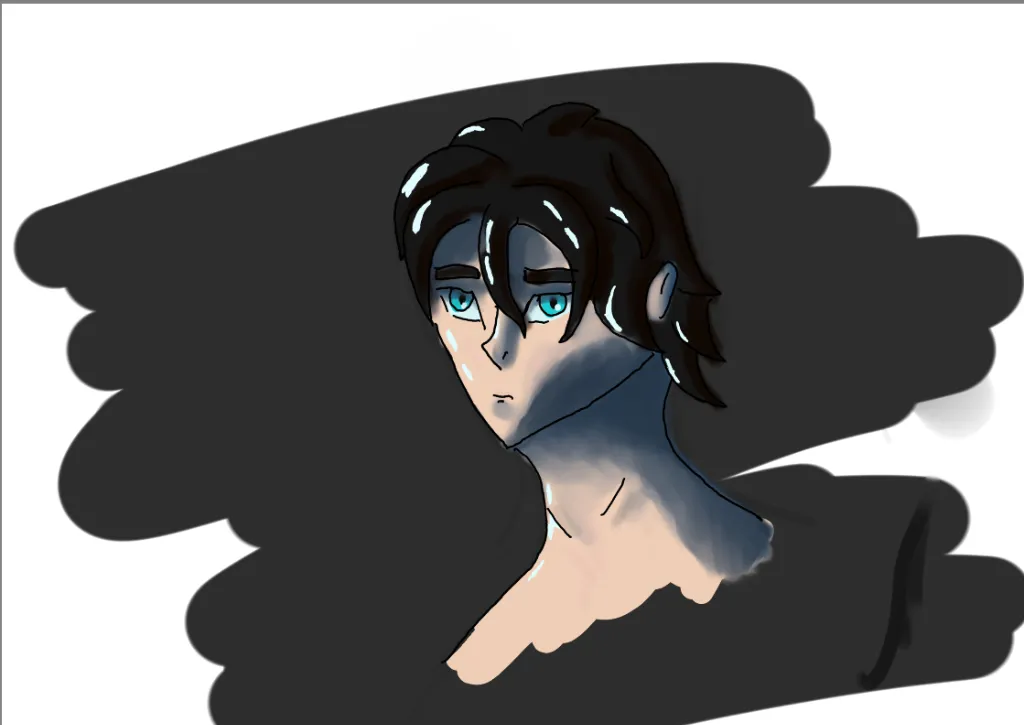
Rendering and shading can be difficult when beginning. The biggest feedback I can give you is using references. The Astro head is an amazing reference, because it’s simplified. You don’t need to blend all your shadows. Practice edge control and using hard brushes only, and blending those hard edges only when needed. Play with blending modes. I like to use “multiply” wood than shadows, and using “hard light” or “add” for the light. Here I used a purple shadow and a warm light to create more contrast between light and shadows. Hope it was helpful and keep up with draw and painting from references.
thank you so much
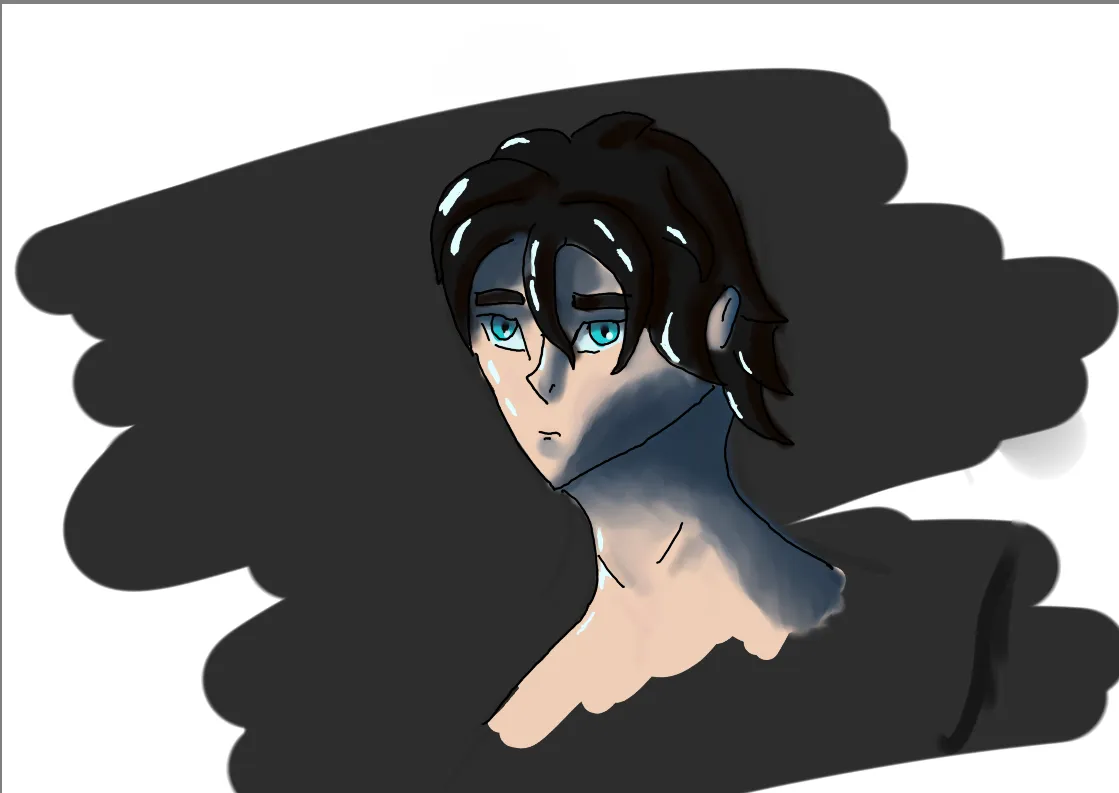
no idea whats wrong. recently started digital and i cant find out how to shade