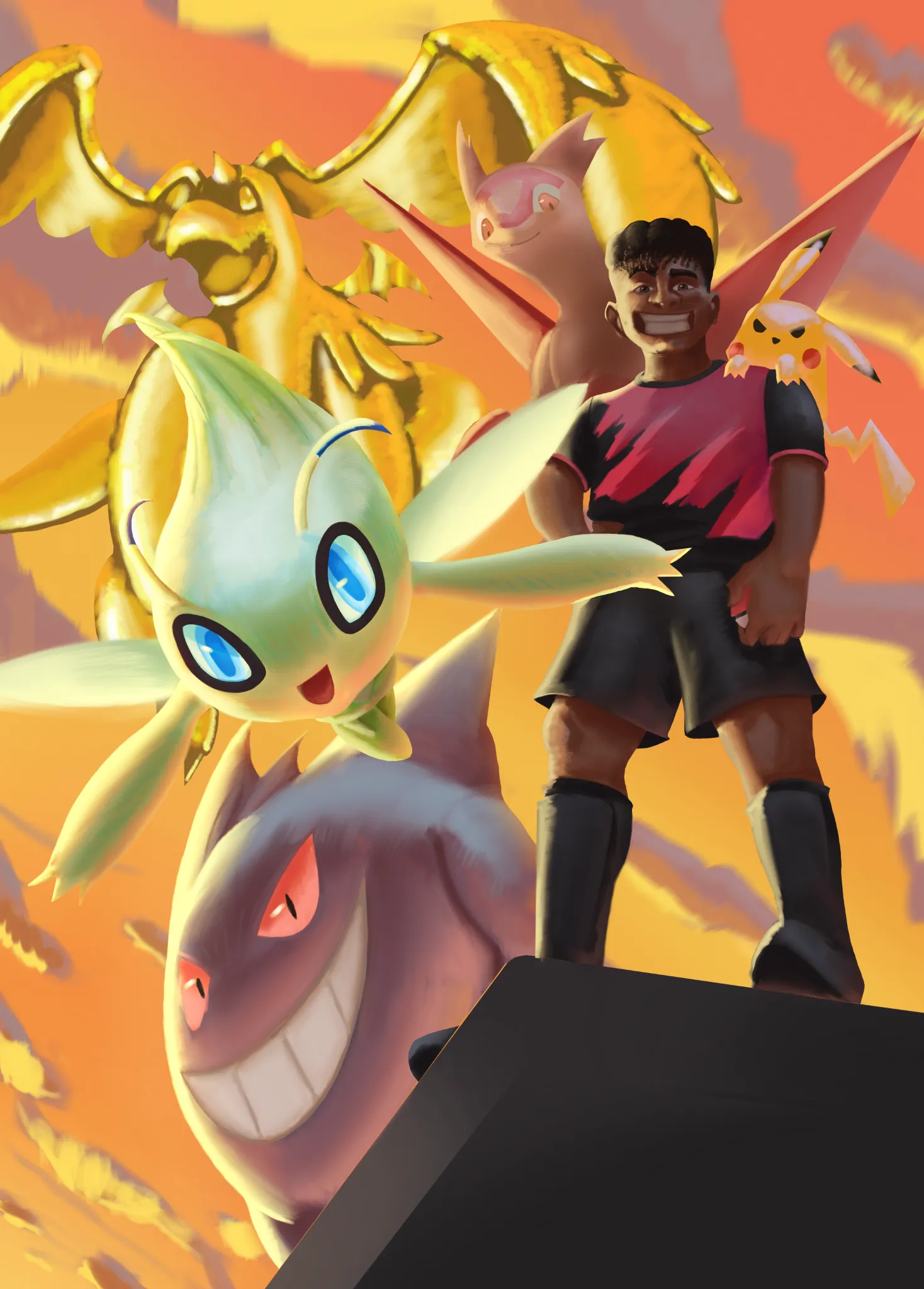
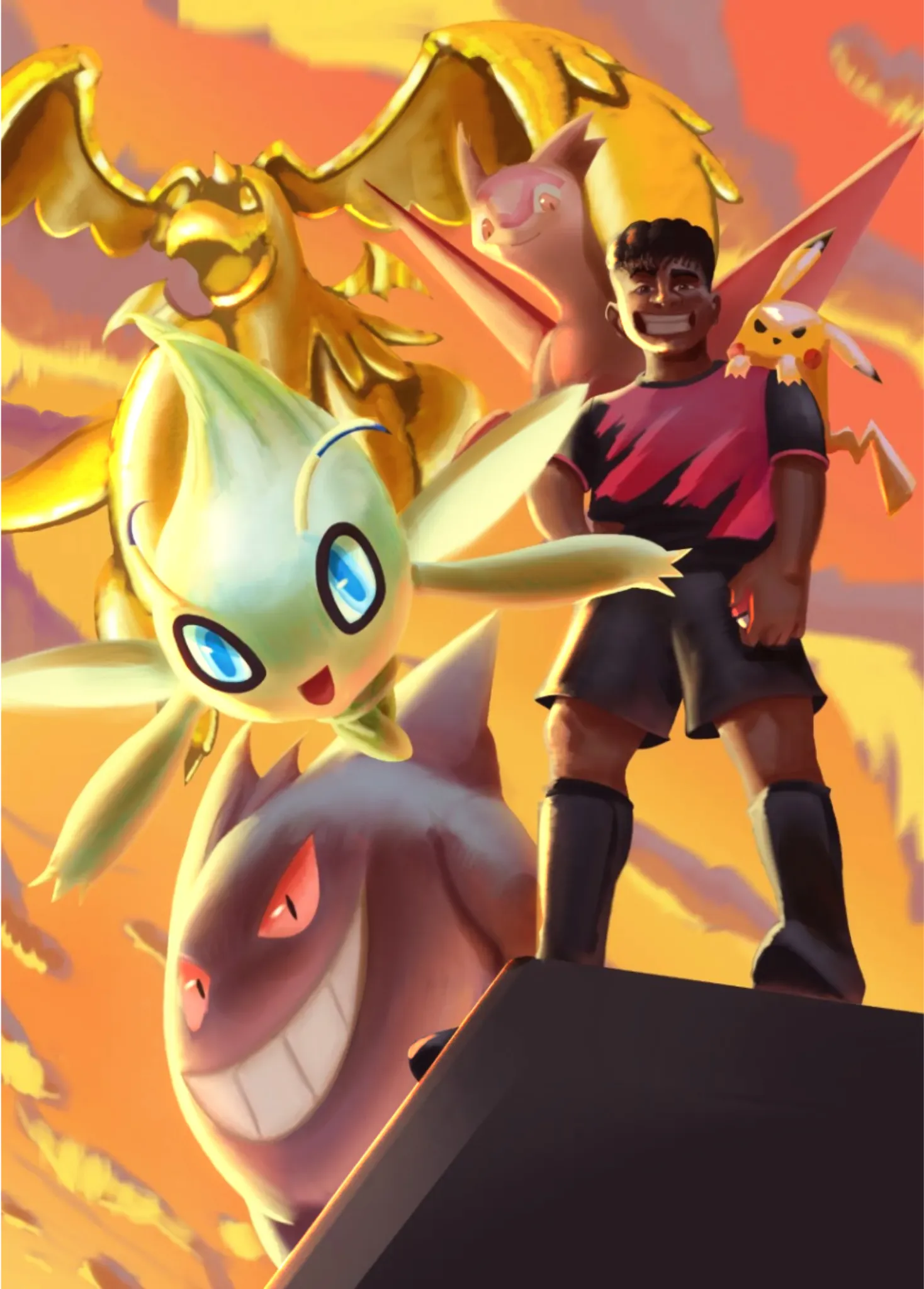

Hi! I'm also still getting a handle on values, but I wanted to take a shot at helping you out. Take all that I say with a grain of salt. The main way that I try to address my values is to create a layer at the very top, set it to Color, and fill the entire canvas with pure white. Doing this will turn your image entirely black and white, so you can more easily see when values are bleeding into each other and where you need more contrast. When I did that for this piece, the biggest issue was the gold dragonite. They get lost in the background due to a lack of contrast. So what I did was punch up your shadows and highlights to help the Pokemon stand out from each other and from the sky. You could also try adding more clouds behind the dragonite and increasing the gradient's contrast for the sky. Make the top right darker and the bottom left brighter to sell the intensity of the light source and give the lighter-colored Pokemon more to stand out against. I hope this helps!
Paintovers (0)
Birthday Present
Artist's notes:
Hey there! I'm currently painting this and I'm strugling with the overall values and colors. Like I feel it's all over the place. I think the bg might be the issue there but not sure how to fix it. Anyone has ideas? Thank you ! :)