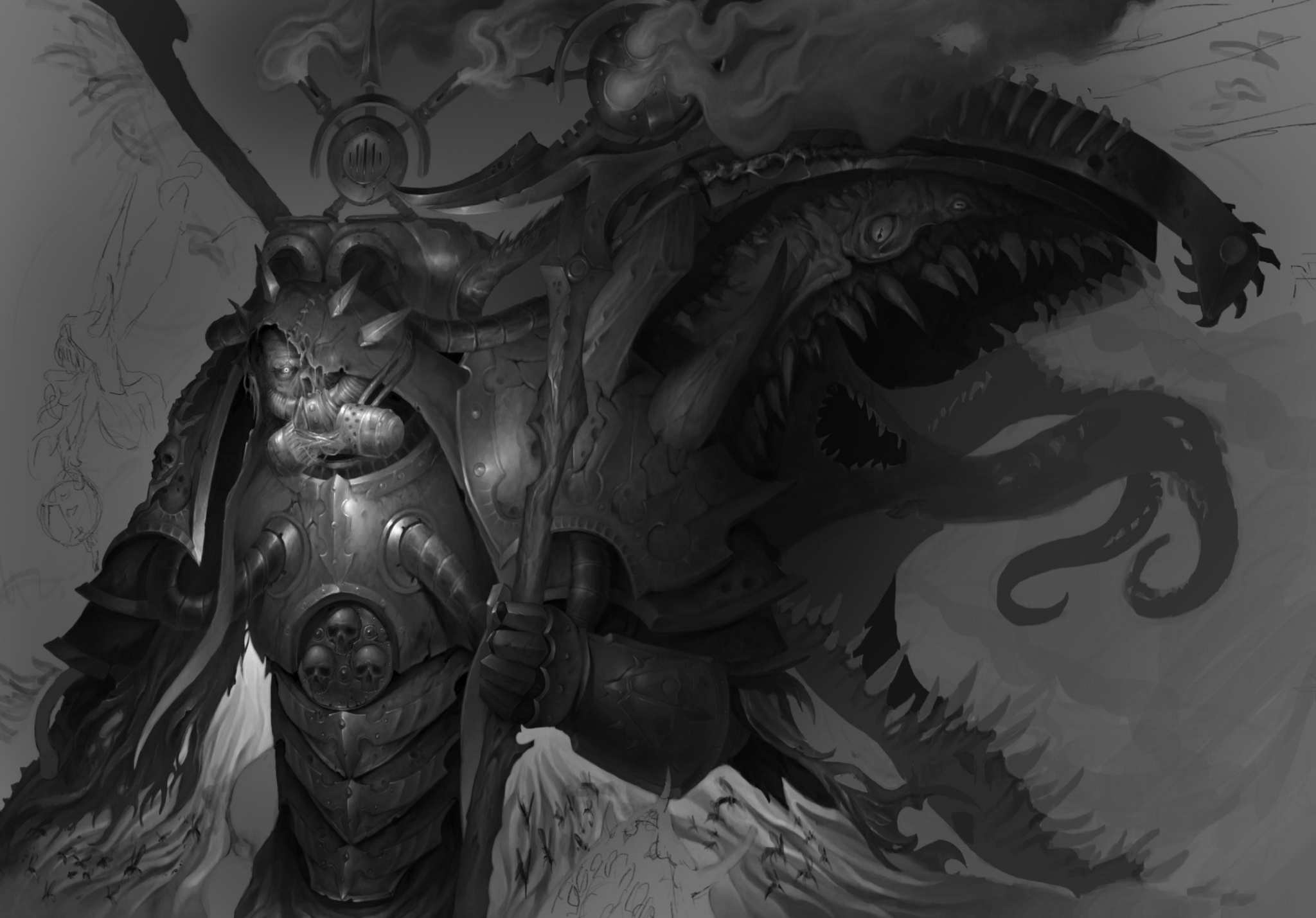
So first things first dude, this is friggin awesome! I saw this and I had to give feedback and just let you know that DANG what a piece. (please tag me in the discord with where to find your work im Michael/ @Aerlynx on discord) Secondly I think the main issue is that the focal point is very central to the image, obviously cropping is one way to get it but I think value contrast might be another way to go about it. I dont think youll have to repaint anything should be able to just use a layer mode. I tried my best with what I can do with my skills but I hope it gets the idea across. What Ive learned is you want a value gradient that desaturates from where the focal point should be, in this case the face. all I did was take it to black and white, then I added a color dodge layer and with a soft brush I gradually brightened the face and a little bit of the area around the face. Then I used a multiply layer and again with a softbrush I went in a circular motion around the face area ( I left some of the highlights un touched so it "frames the face") and darkened it up, the further away from the face I went the darker I pushed the value, this minimally lost all your juicy detail but also might save you some render time as you can imply details rather than fully fleshing them out. but dude, holy crap man this is awesome. please let me know where to find your art! I do love to see more and learn about your process!!!!!
Viewing paintover by @michaelm
Paintovers (1)
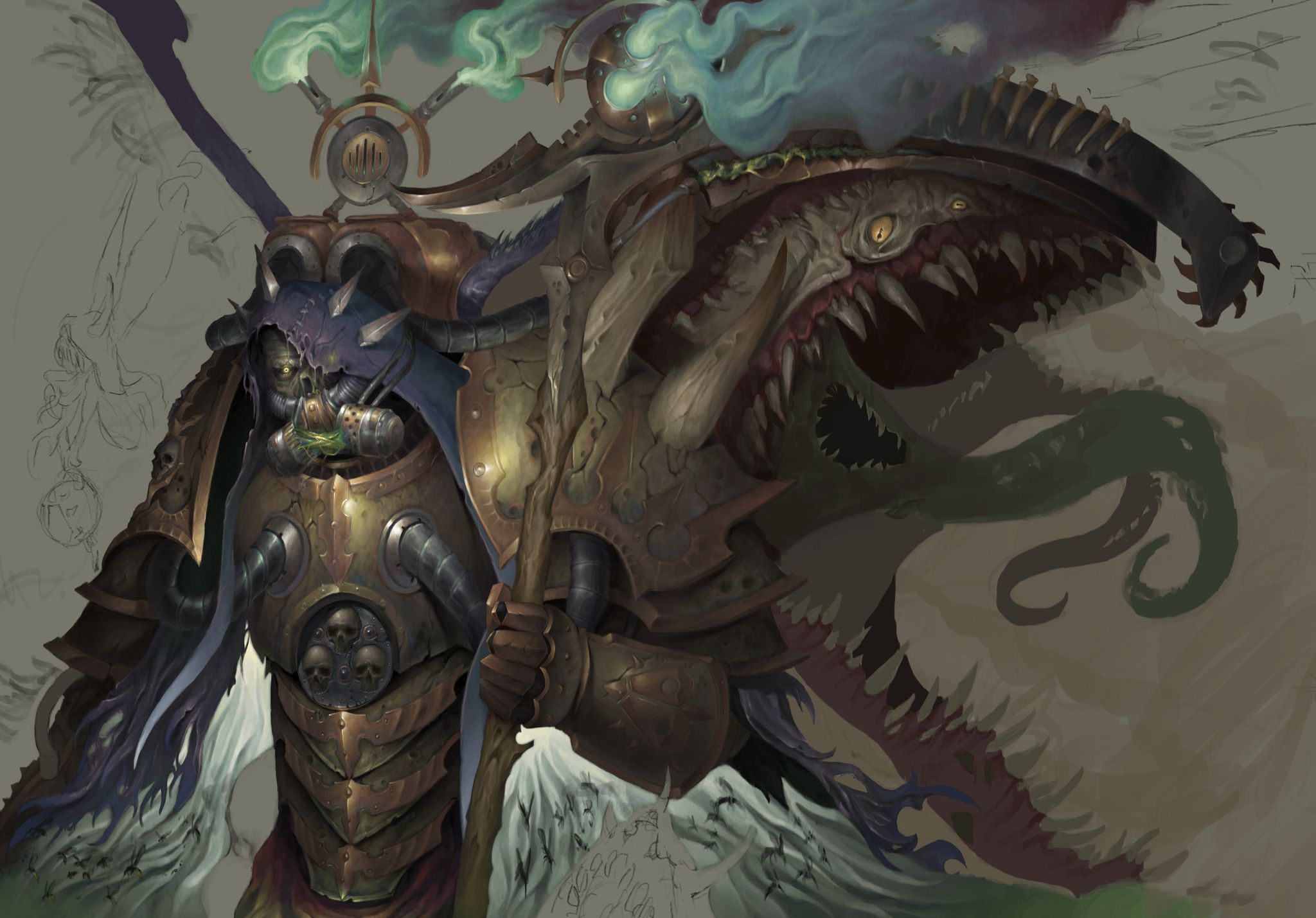
I don't know how to better center the character (since it's supposed to be the main point of focus) withput losing the shape of the mouths in the right and the scythe. Should i cut the composituon while sacrificing those elements or should i make the canvas bigger and then paint the left part in detail too like i'm doing with everything else? Also- i'd appreciate to know what to put begind the figure in the upper part, behind the machinery piece with the green fumes.
Artist's notes:
I don't know how to better center the character (since it's supposed to be the main point of focus) withput losing the shape of the mouths in the right and the scythe. Should i cut the composituon while sacrificing those elements or should i make the canvas bigger and then paint the left part in detail too like i'm doing with everything else? Also- i'd appreciate to know what to put begind the figure in the upper part, behind the machinery piece with the green fumes.