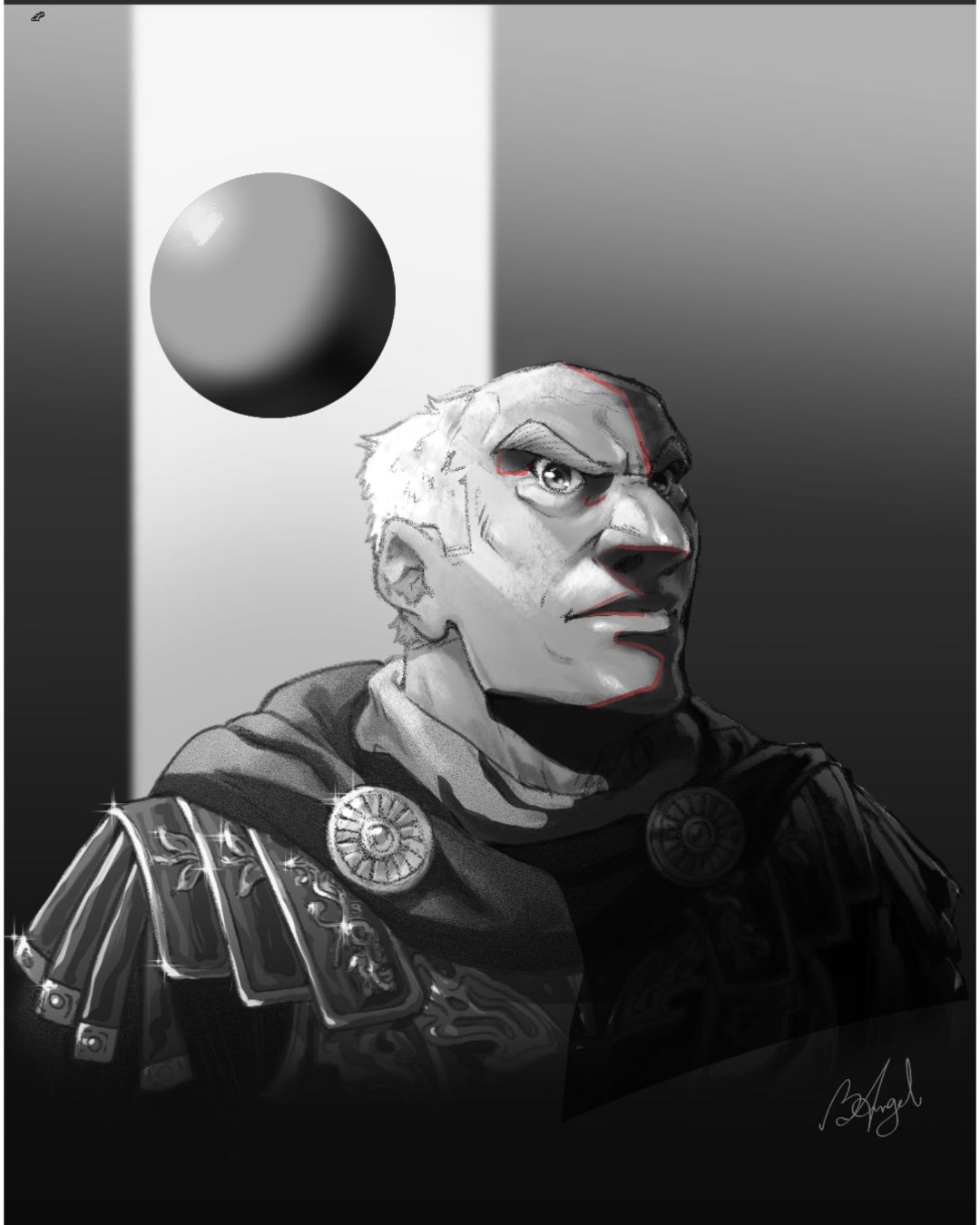

Hey Great work! Personally I dont see an issue color wise so I kind of skipped that part. I think the biggest issue is your lighting. My advice is to make it as simplistic as possible. What I did was: 1) take it back to greyscale this way we can see the value without colors influence. 2) I decided on a light direction. You can add more lights as you want but the main light source should be your strongest, unless you want really bright rim lighting which could work too! But make your first primary light then the others. one step at a time! 2) I then shaded a Sphere just to show the light direction(dont forget the bounce light!) 3) I made a new layer, set it to multiply and lassoed out all the shadow shapes and colored it solid black, then I lowered the opacity until it looked crorrect. 4) used a smudge brush to soften some of the edges around the forehead and eyes, basically anywhere the form is gradually shifting and not hard turning. I think you did really well, I think you just added too many lights too quickly, this method should help because when your done you can switch it back to color and then adjust the shadow color and value until it fits better, this should also add some unity interms of color for your image! Hope this helps!
Viewing paintover by @michaelm
Paintovers (1)
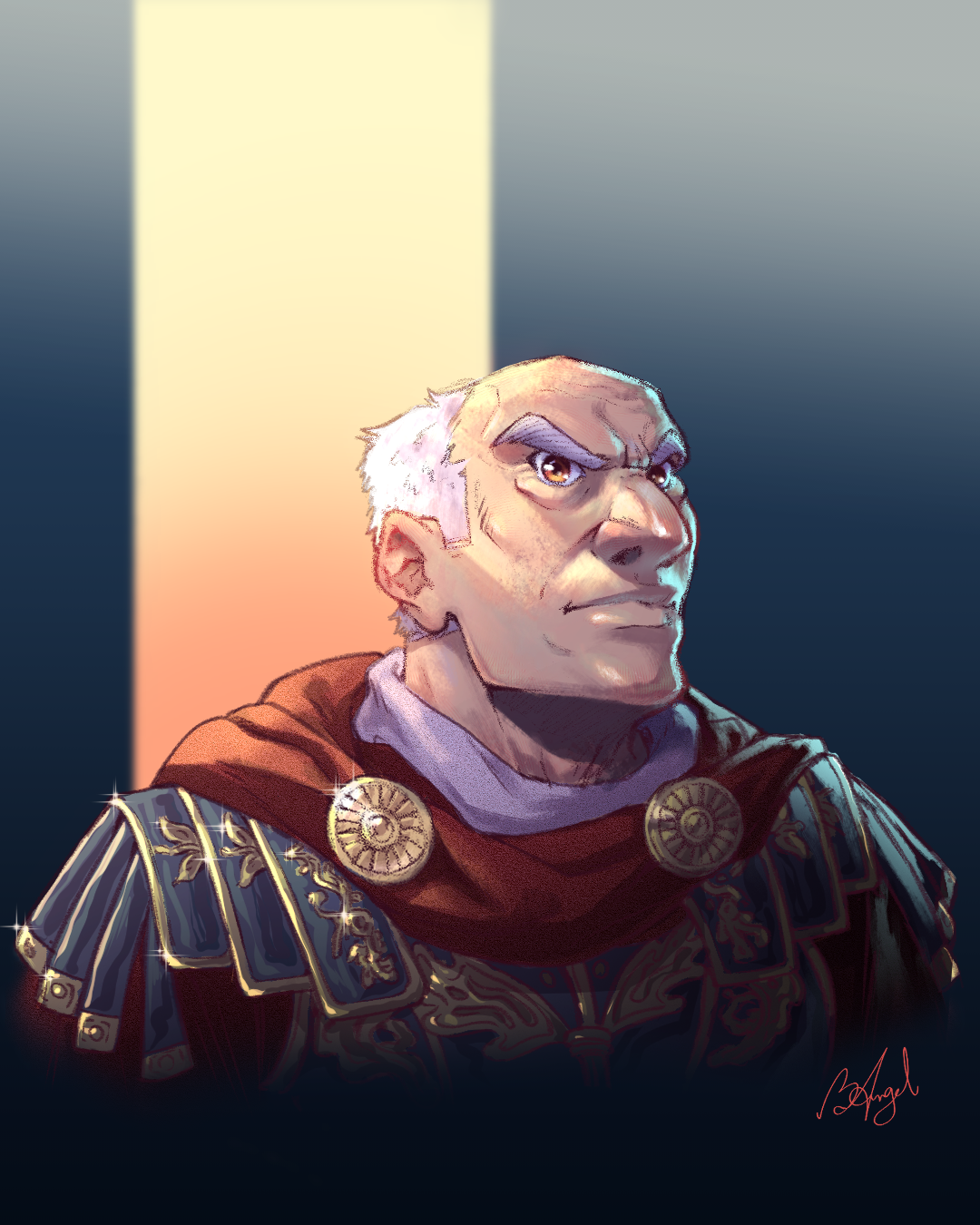
I'm struggling to get a right colour balance, also my lighting needs improvement. How do you guys think I can improve?
Artist's notes:
I'm struggling to get a right colour balance, also my lighting needs improvement. How do you guys think I can improve?