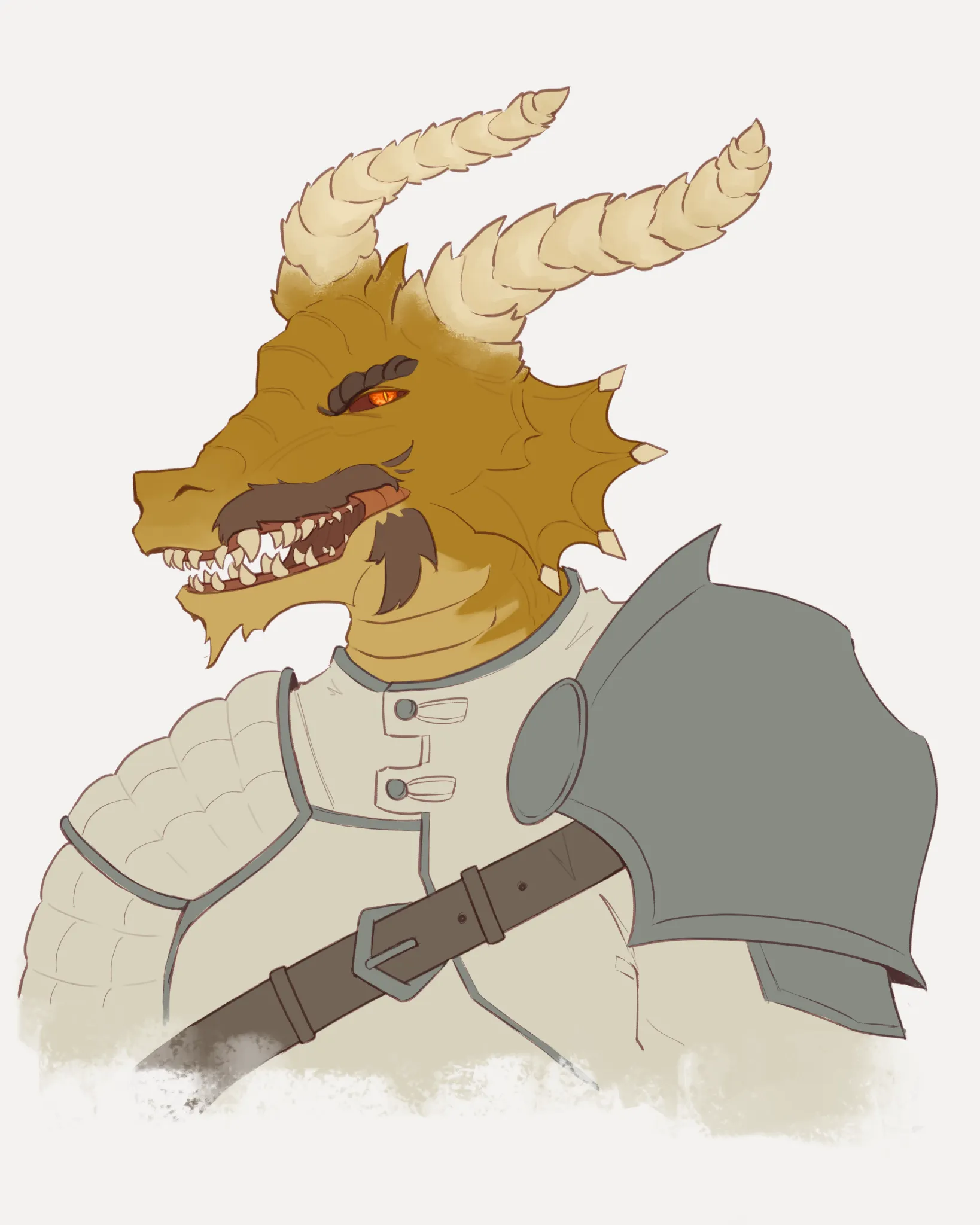
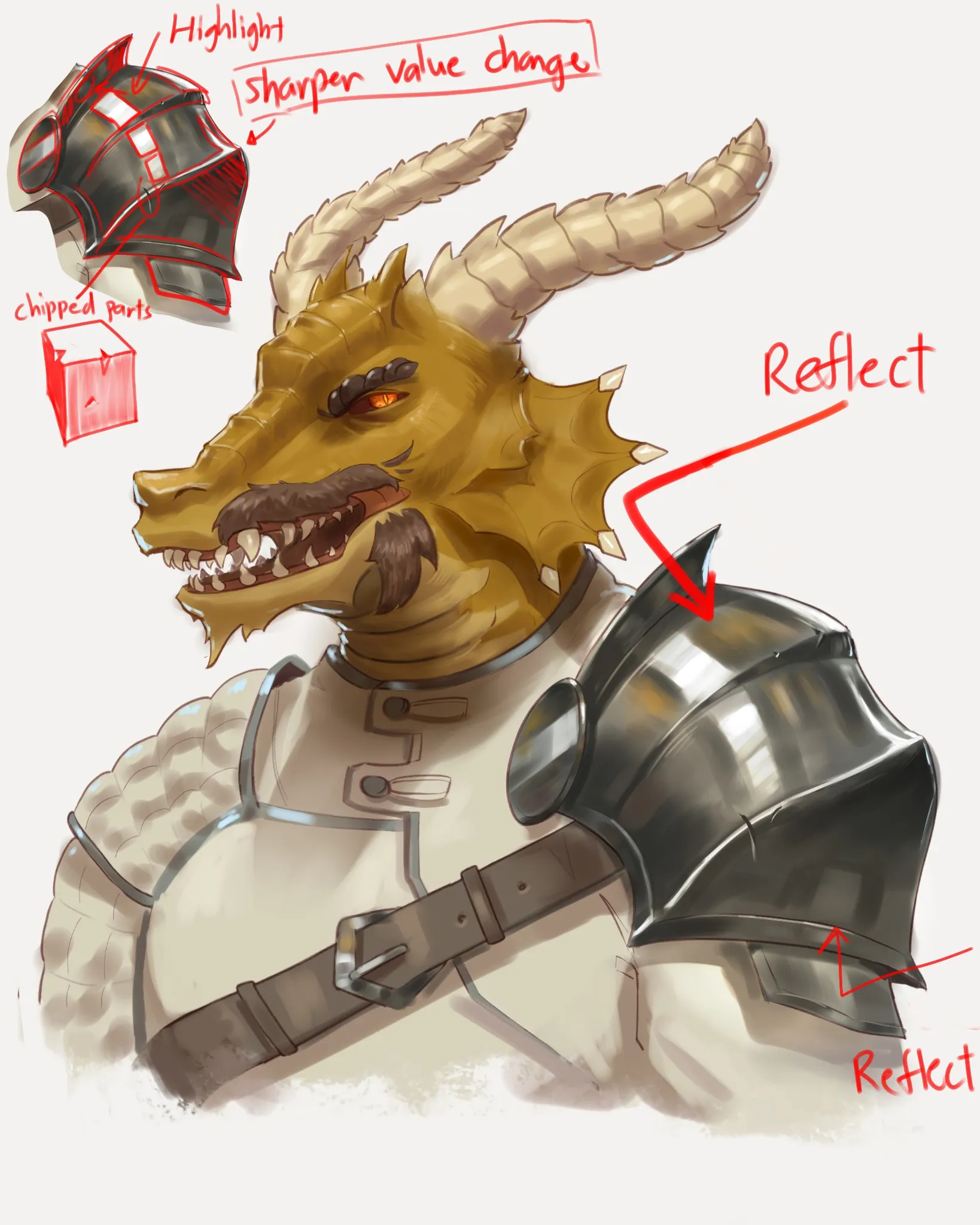

Metal is just a reflective material so it reflects the environment, but since you don't have one you can just use value range of greys. Treat the shoulder armour like a regular 3D object, shade according to your light source, and then increase the sharpness of the value changes as you shade the light and shadow. Since metal reflects, you should take note on what is being reflected, so use the colours on the character or clothes and add a more desaturated version of that colour onto the metal as to where you think it will reflect on. As an example, I use the skin colour of the character on the shoulder piece near to his face. You can also add chippings and weathering of the metal to help with storytelling. I adjusted some of the character proportions cause the head looks a bit too heavy for the neck and the horns look like they're in the wrong perspective.

WOW!!!! Thank you so much for the amazing paintover and advice!! This is insanely helpful, I can't wait to put this into practice! I think I need to work on my understanding of 3D forms, as I think that might be the root of my troubles. Again, thank you so much for taking the time to give such thoughtful feedback! I really appreciate this!