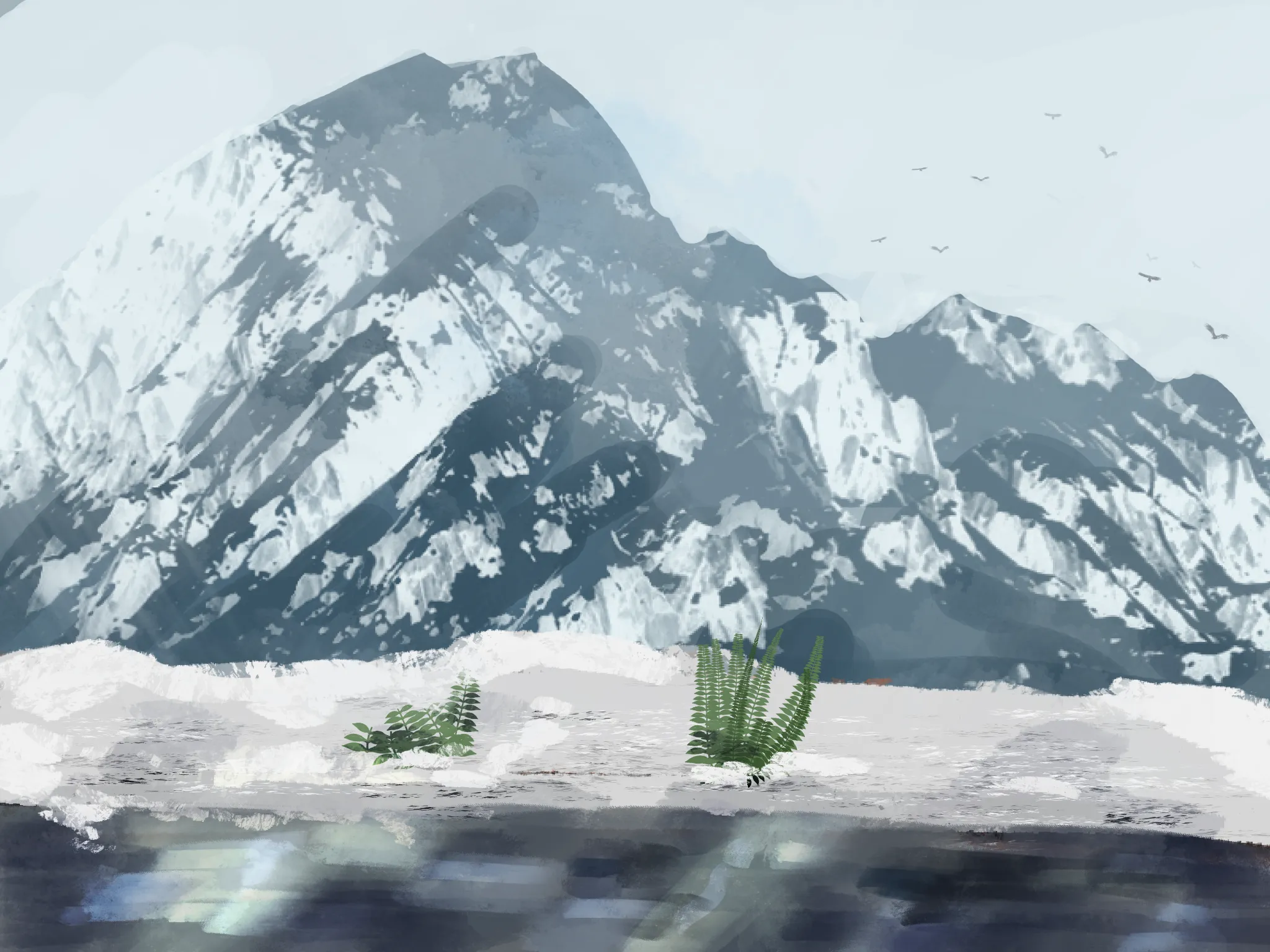
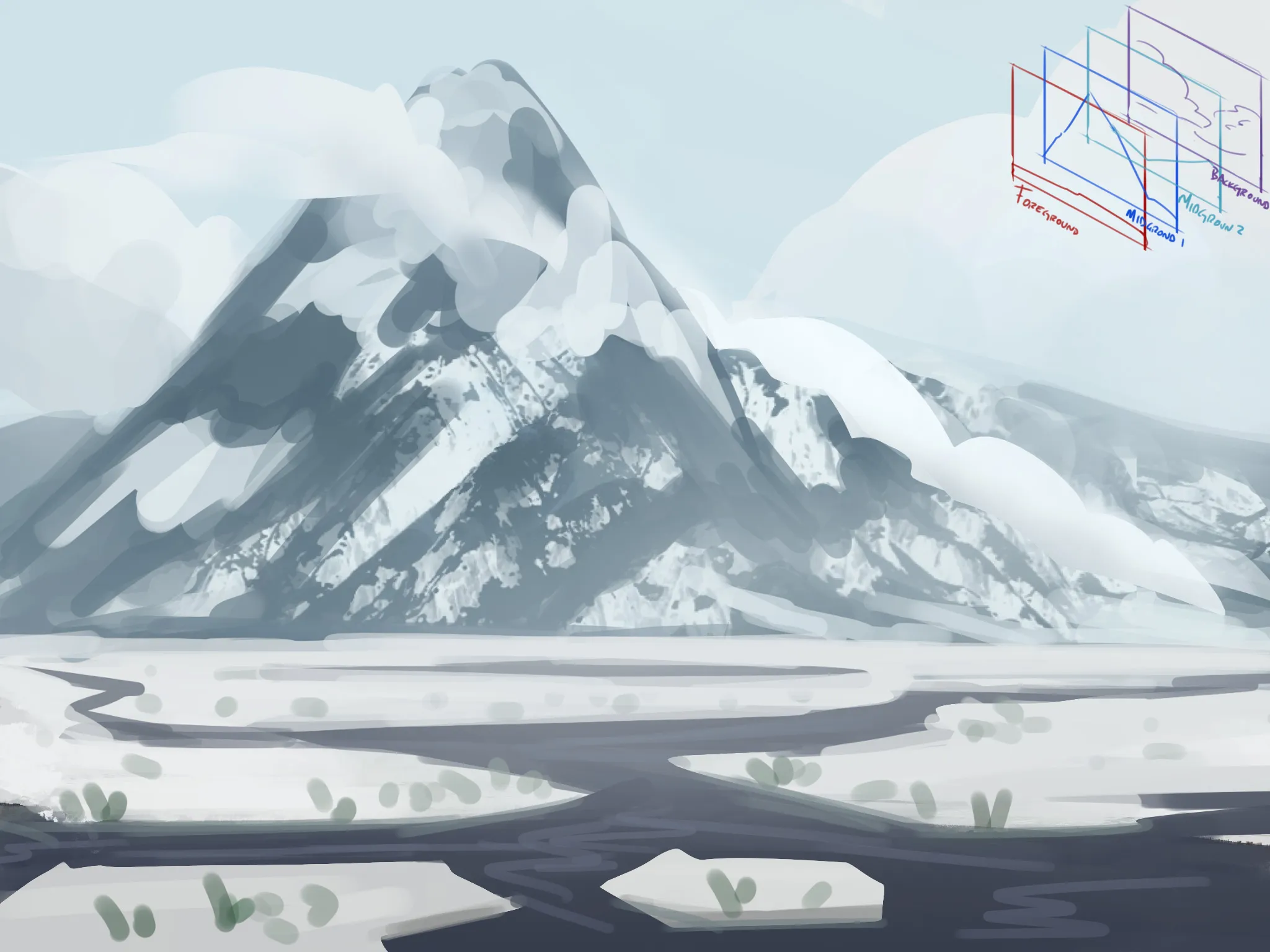
Hey there! First of all, the value range isn’t quite working yet. You have some dark areas on the mountain that are almost as dark as some areas of the lake, which reduces the sense of depth. On the other hand, some of the plants are quite large, which makes the scale feel a little unrealistic and prevents the mountain from feeling as massive as it should. What I did was adjust the values of the main mountain, as well as the Midground and Background. We can still clearly see the shape of the main mountain, but adding the silhouettes of other mountains in the BG creates a stronger sense of depth. You can also play around with the clouds and use them to help separate the mountain in the MG from the mountains in the BG. I also adjusted the ground shape to avoid having one section of land and another section of water, both taking up roughly the same amount of space. Breaking up these shapes makes the composition feel more dynamic and interesting. Also, think about the proportions between the different areas; notice how the amount of water in the FG is now smaller compared to the amount of land. :) Lastly, if you have trouble visualizing the different planes, you can separate them the way they used to do in traditional 2D animation. Think about what each plane would look like on its own. You can see an example of this in the upper-right corner. Hope this helps!
Anstriche (1)
Mountain background
Künstlernotiz:
Heres a quick doodle of environment scene, my intention for this post is how do I add more depth or contrast to this piece, or make it more "exciting" to look at. What skills/concept should I be aware of when I want to add more contrast to my environment, because at this point I cannot think of adding anything more to make it more interesting. The fern do look out of place and pasted there and could be refined a bit.