How to Color Digitally: A Step-by-Step Guide for Beginners
How to Color Digitally
Coloring digitally looks deceptively simple - pick a color, fill the area and move on. But anyone who has actually tried knows it's not that straightforward. The order you do things in matters, and the decisions you make at the sketch stage affect everything later. One wrong choice and you're screwed.
If you're just getting started with digital art, or if your colored pieces never quite turn out the way you imagined, this is for you. Here's a step-by-step guide to how to color digitally without the usual frustrations.
Sketch
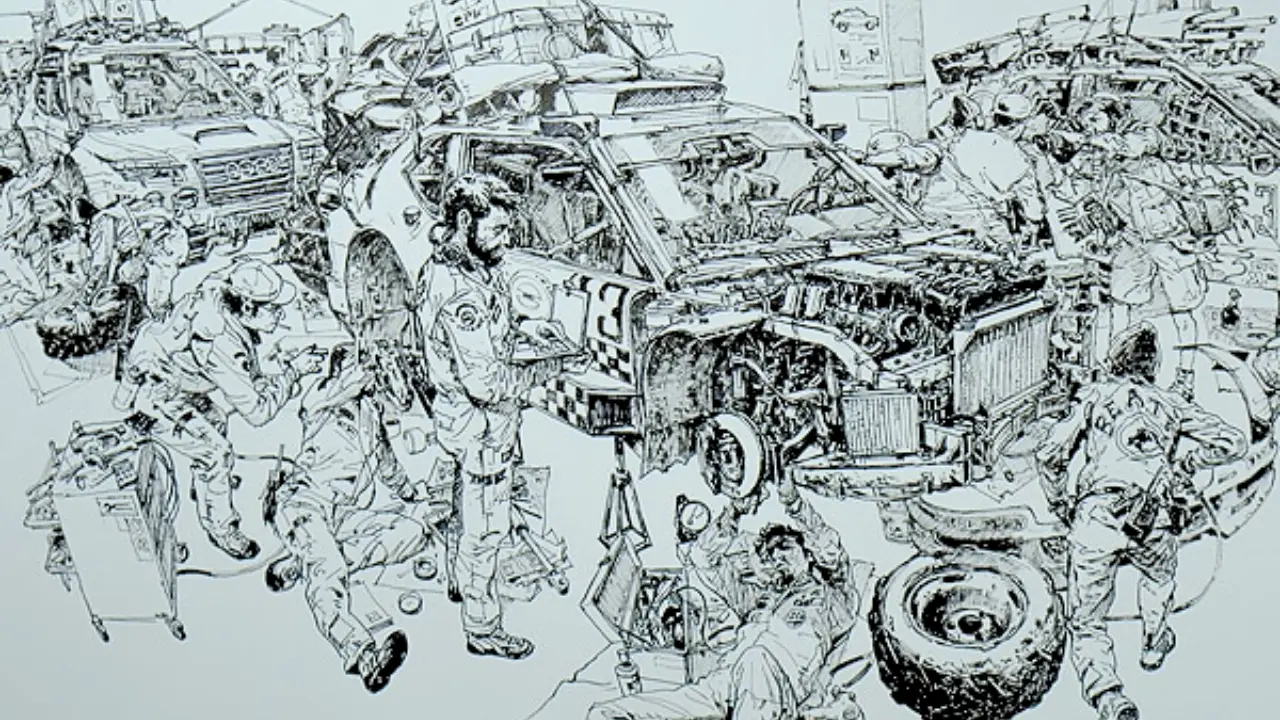
Everything starts here. Your sketch is the blueprint for the entire piece, and a sloppy sketch makes coloring miserable later. You'll spend hours fixing proportions and redrawing limbs, second-guessing decisions you should have locked in at the start.
Take your time at this stage, using a low opacity brush so you can refine as you go. Get the proportions right, get the gesture right, and make sure the construction underneath is solid. If the sketch is off, no amount of coloring is going to save it - a clean sketch makes everything that follows easier.
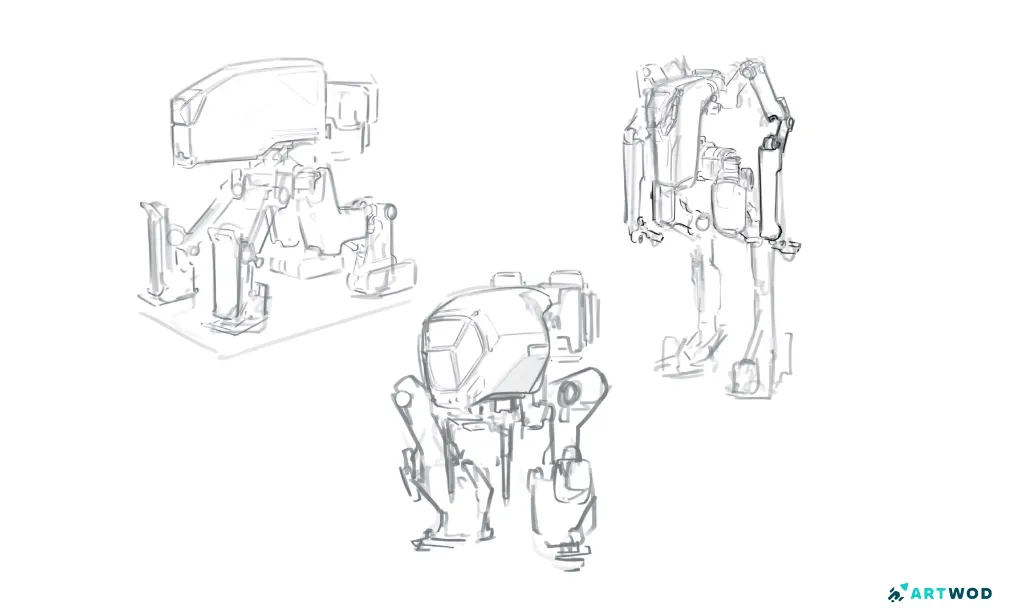
Mech sketches by Antonio Stappaerts, digital 2d art
Line art
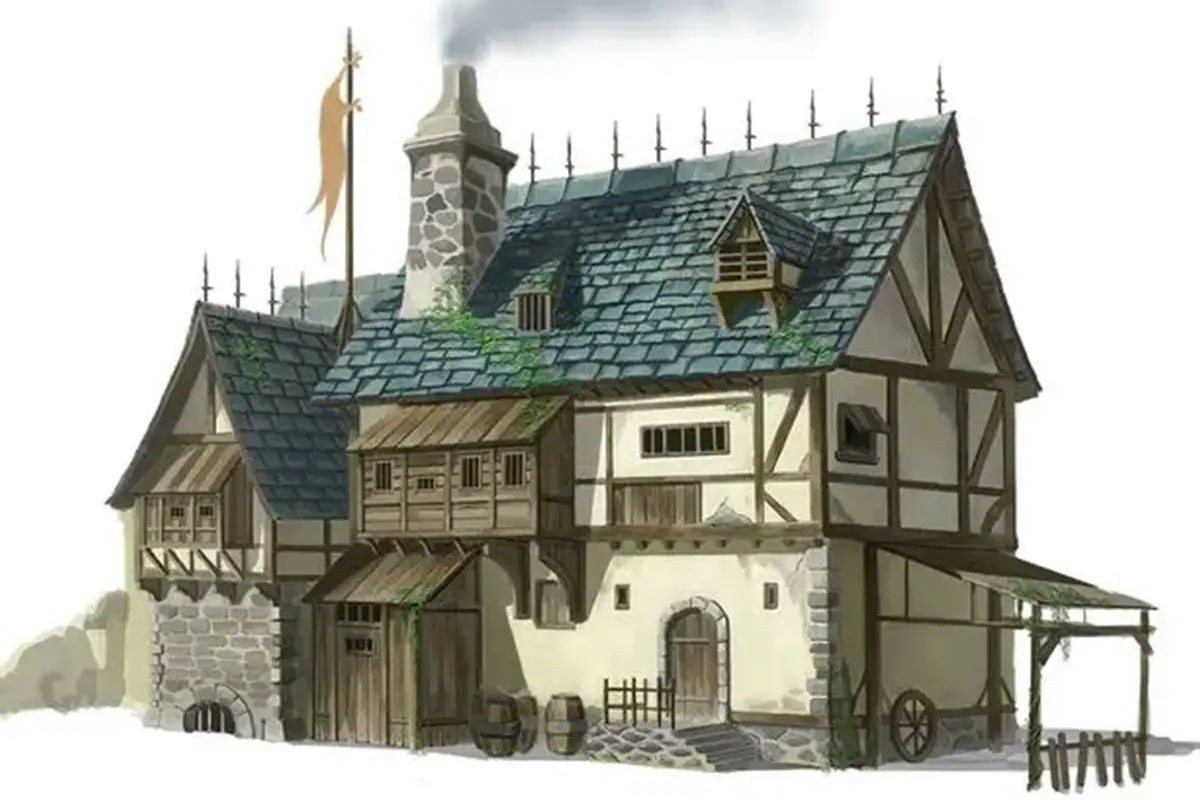
Once your sketch is solid, it's time to refine it into clean line art. This is where you commit to the final shapes, so slow down, increase your brush opacity, and trace over your sketch on a new layer.
Pay attention to line weight here. Thicker lines on the silhouette and where shapes overlap, thinner lines on internal details. Line weight is one of the most underrated tools in digital art because it adds depth and hierarchy without you having to render anything yet.
When the line art is done, hide your sketch layer and check the line work on its own. If the piece reads clearly with just the lines, you're in good shape.
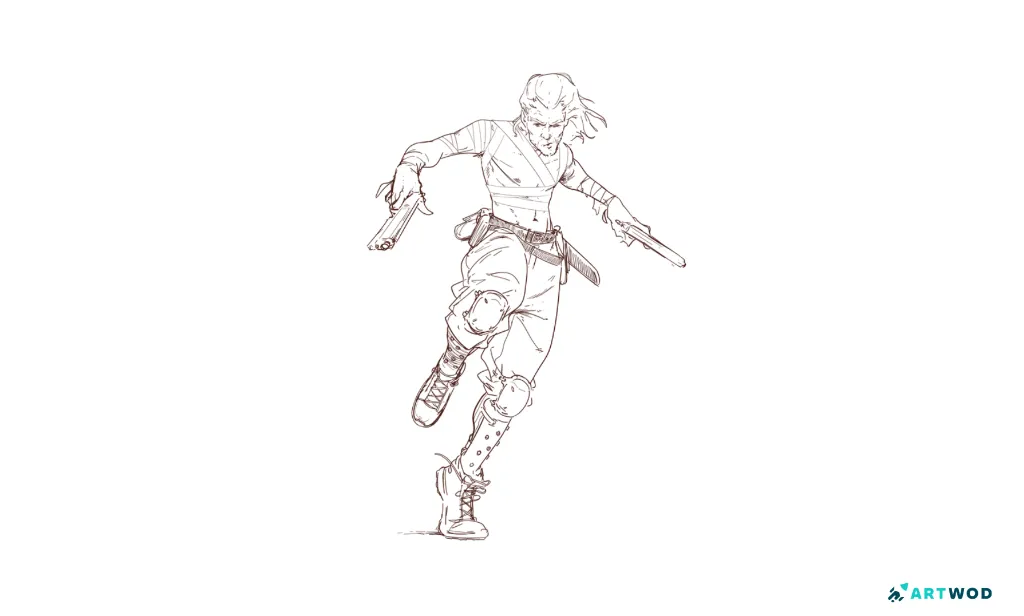
Lineart Sketch by Antonio Stapparts, a man with 2 guns, dynamic pose. Digital 2d Art
Flat Colors
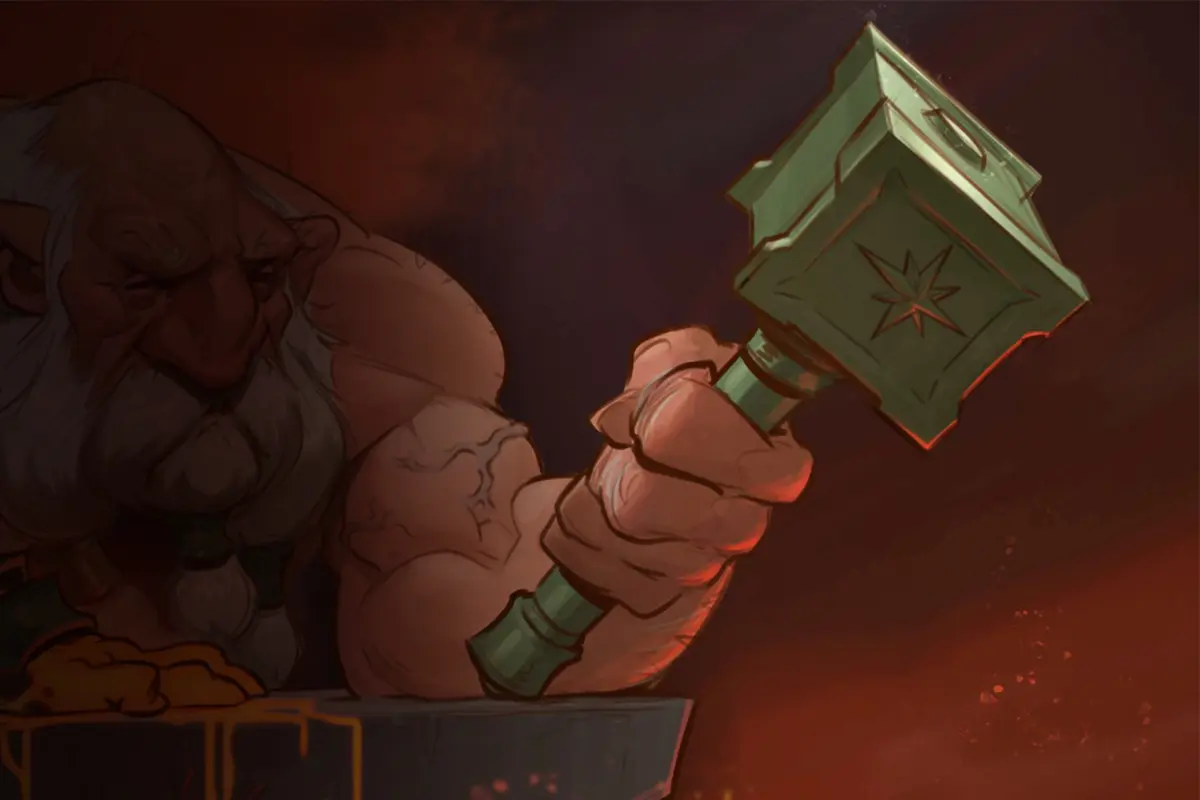
Now you start adding color. Create a new layer below your line art and block in flat colors, one color per element - skin, hair, clothing, background. No shading yet, no highlights. Just clean shapes filled with their base color.
This stage is about getting your color palette right. Pick colors that work together as a whole. A common beginner mistake is choosing each color in isolation without thinking about how they interact, which leads to palettes that look off without you knowing why. Consider the mood you want to set, and let that guide your palette.
The golden rule here - choose 3 colors only, main and 2 supplementary. This will help you make things less complicated and confusing.
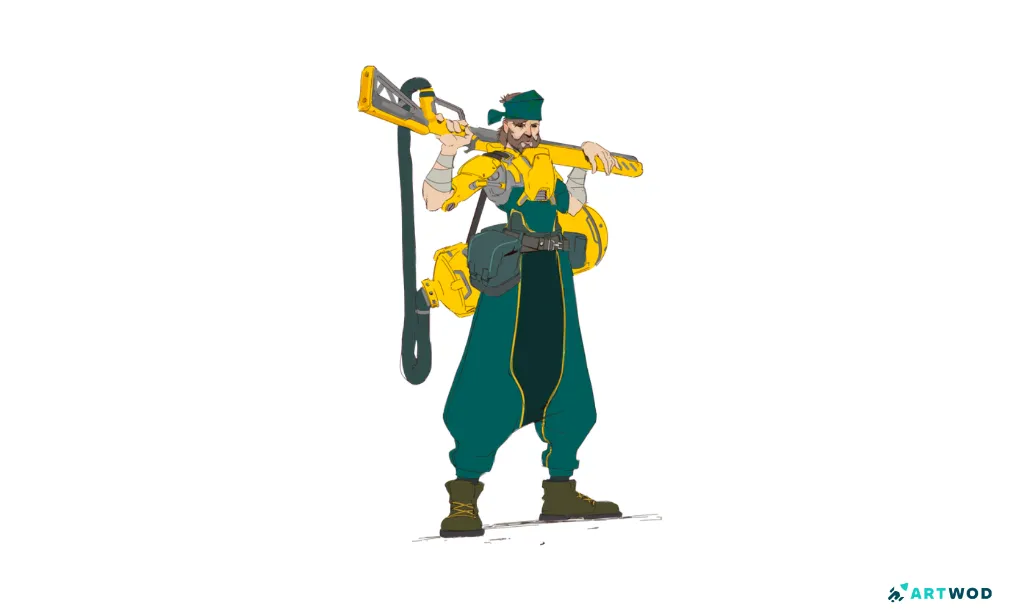
Flat colors Sketch by Antonio Stappaerts, a man with a big gun, cyberpunk. Digital 2d art.
Cel shading
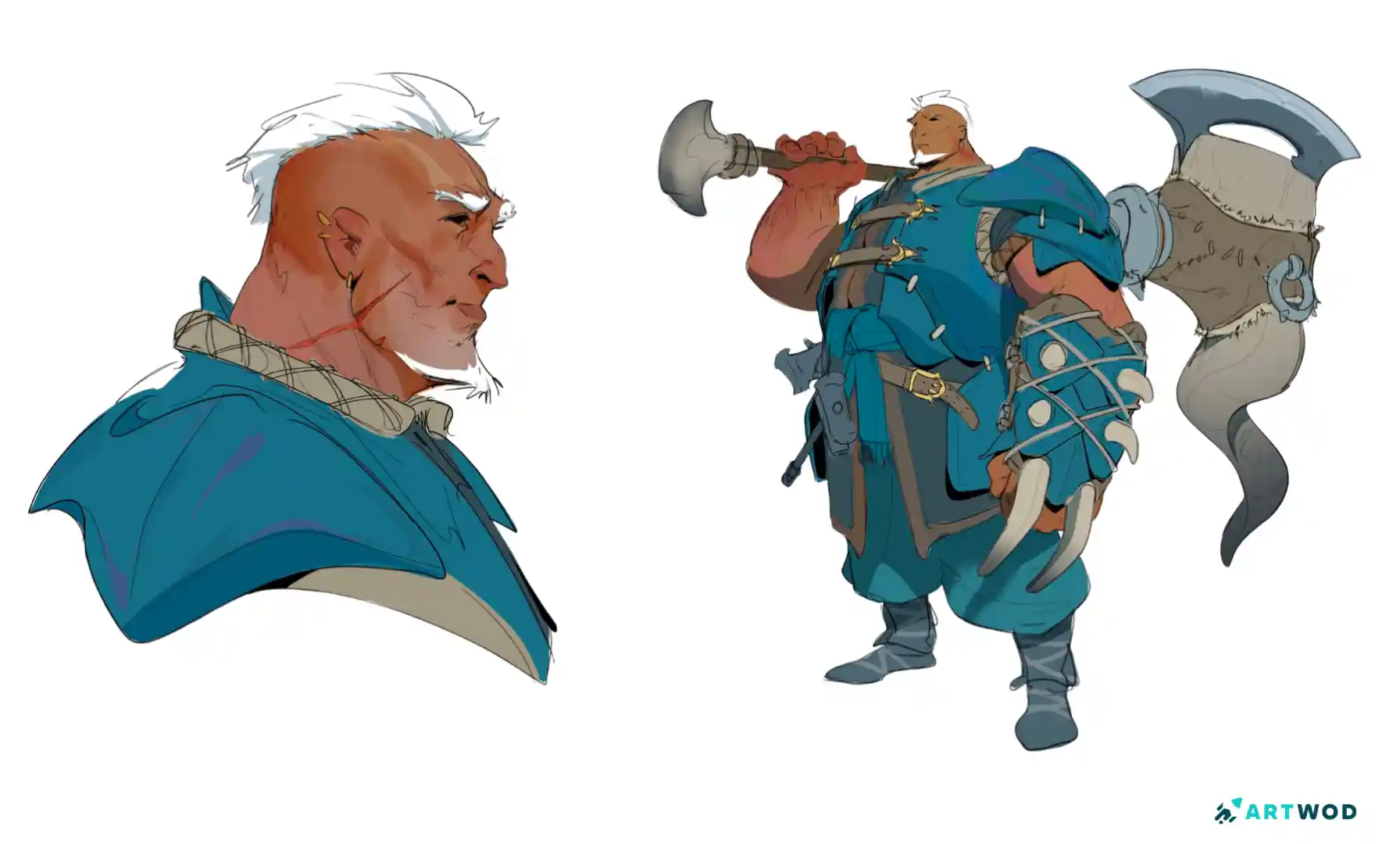
This is where the piece comes alive. Cel shading is a clean, graphic method that uses hard edges instead of soft gradients - stylized, fast, and gives your art a polished look without the complexity of full rendering.
Pick a light direction first. Decide where the light is coming from before you place a single shadow, because this is the single most important decision in shading and most beginners skip it. Then add your shadows on a new layer using a darker version of your base color (you can also use multiply mode).
The key to good cel shading is committing to the light. Push the contrast, and don't be timid with your shadow placement. The whole point of the style is graphic clarity, you can add the blending later.
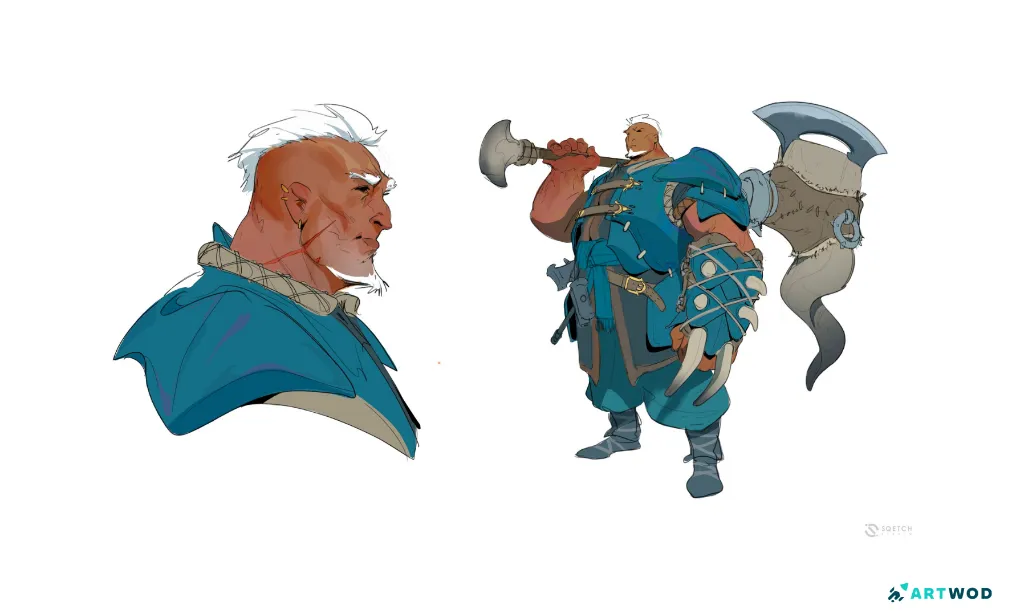
Digital 2d Drawing by Antonio Stapparts, tribal nordic man with giant axe. Blue, brown, purple colors. Concept art, digital 2d art
Get feedback before you call it done
On any stage, if you feel unsure or stuck - get feedback! Drop your work-in-progress on the Artwod Feedback Tool and let real artists tell you what's working and what isn't. Maybe your colors are slightly off, or your shadows are inconsistent with your light source, or the focal point isn't reading clearly. These are things you stop seeing after staring at your own piece for two hours, but a fresh pair of eyes catches them in seconds.
It's the fastest way to improve. Way better than spending weeks doing it all by yourself.
Coloring digitally is a process, and every stage builds on the last. A clean sketch makes the line art easier, solid line art makes the flat colors easier, and good flat colors make the shading easier.
Take your time at each stage, get feedback before you commit, and remember that the artists whose digital work looks effortless aren't actually working faster - they're just making better decisions earlier in the process.
Related Posts