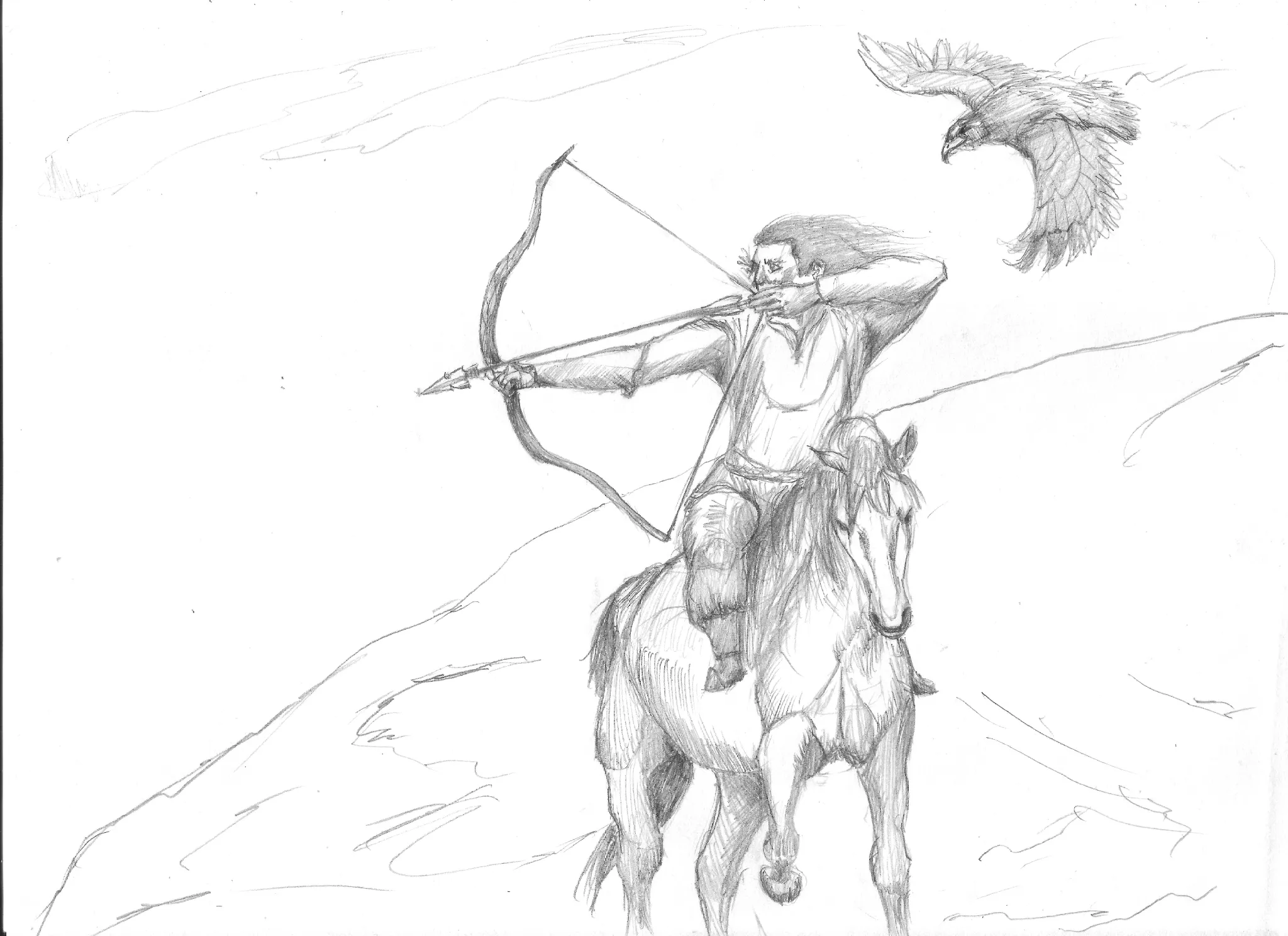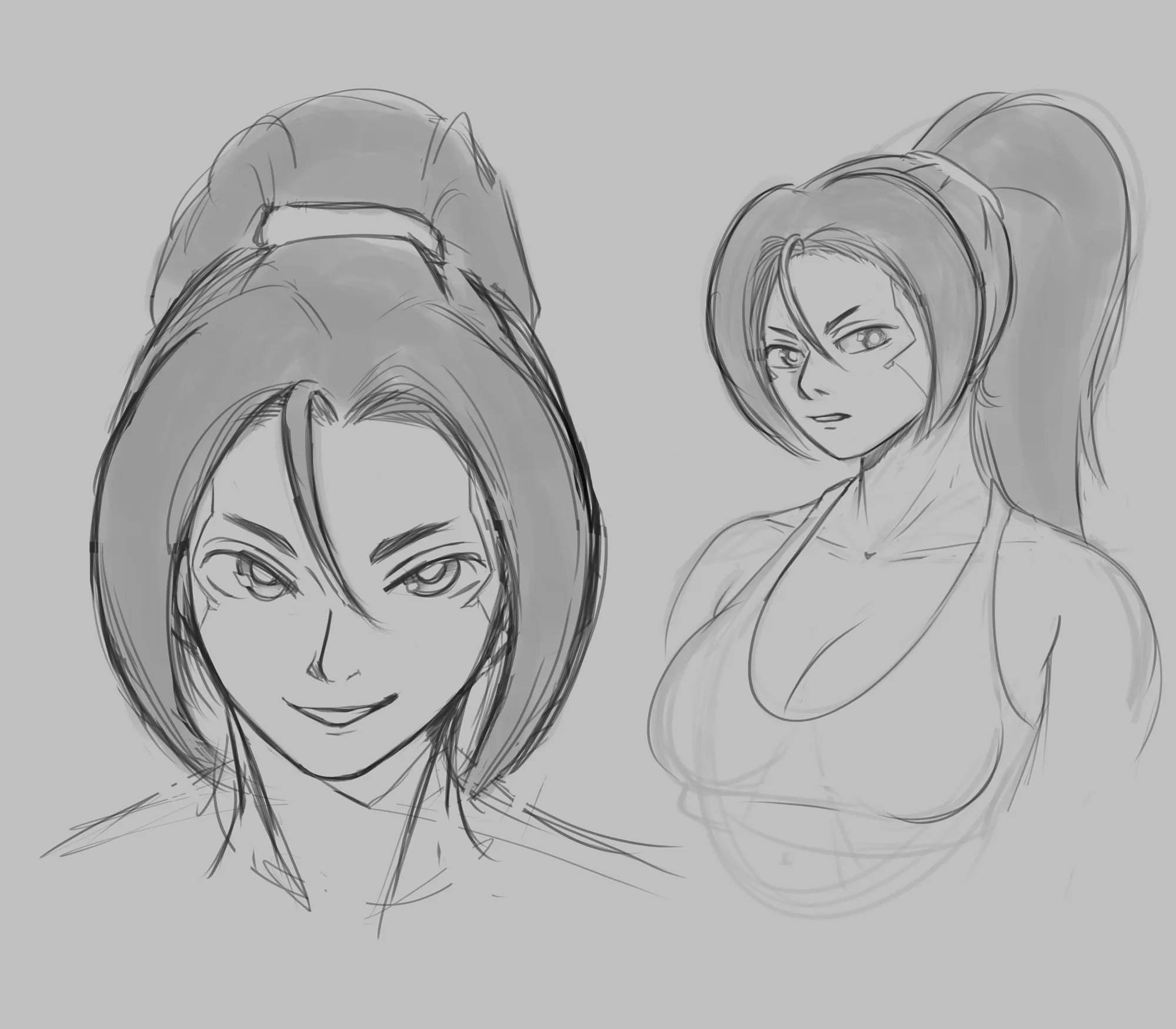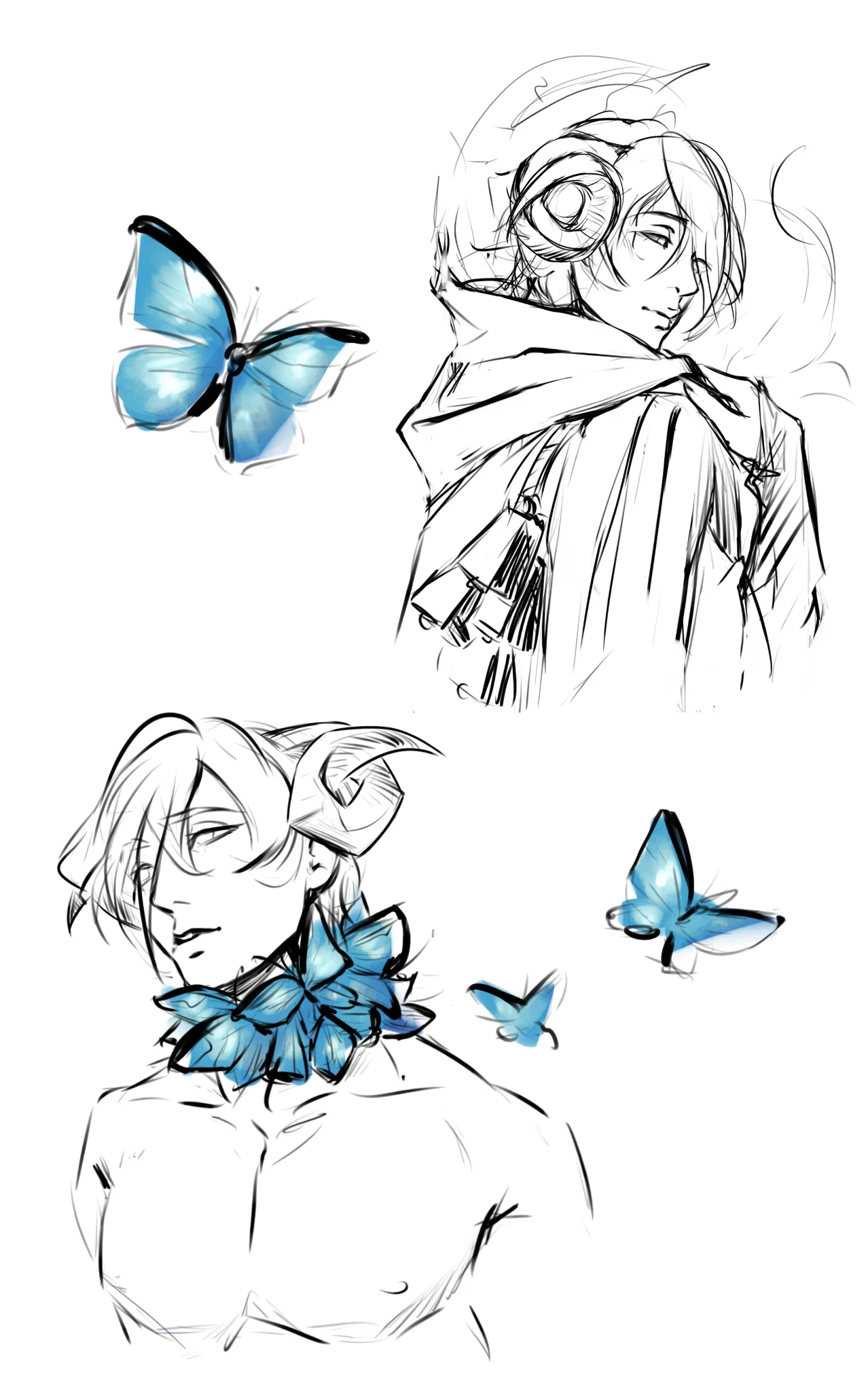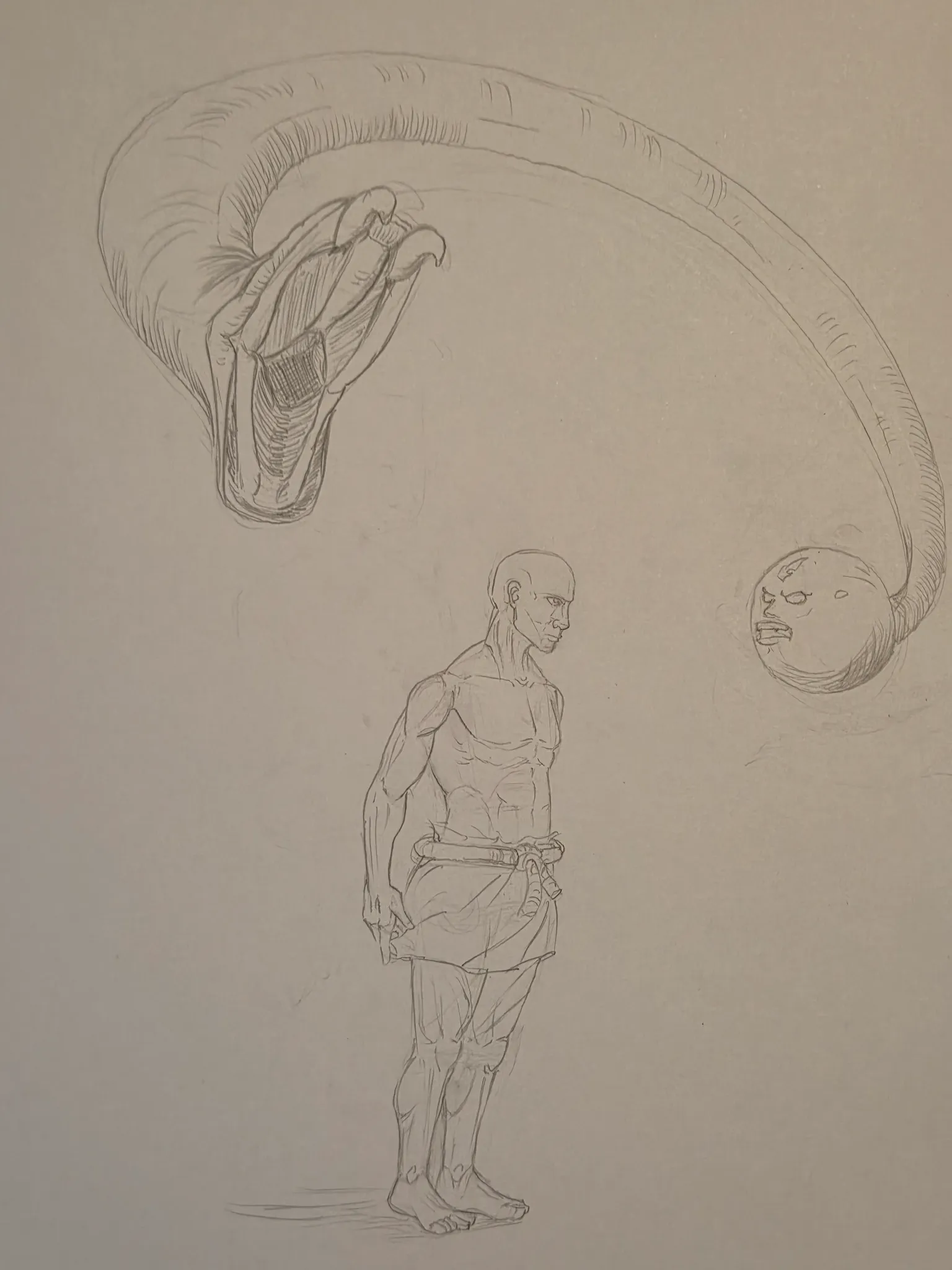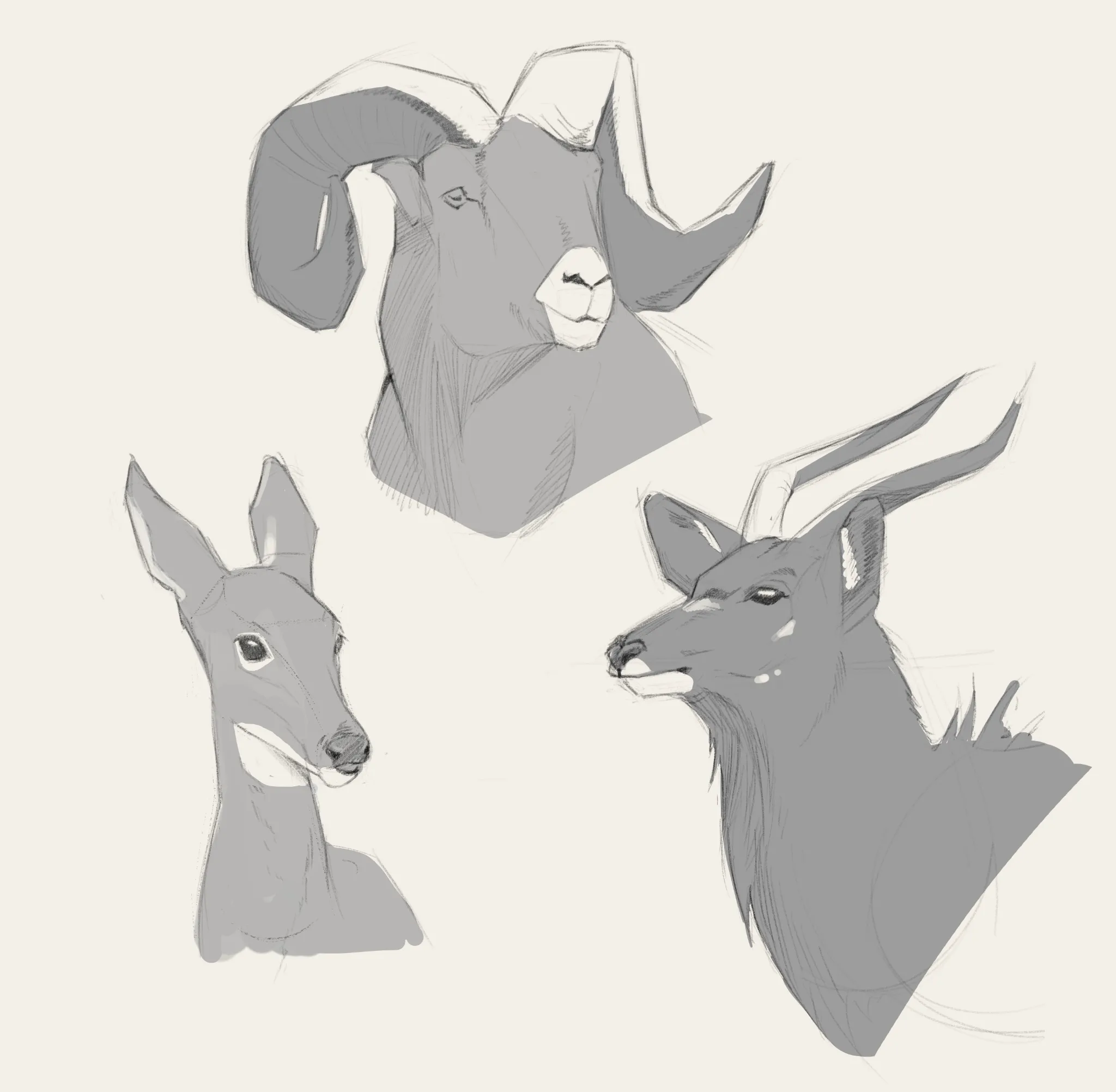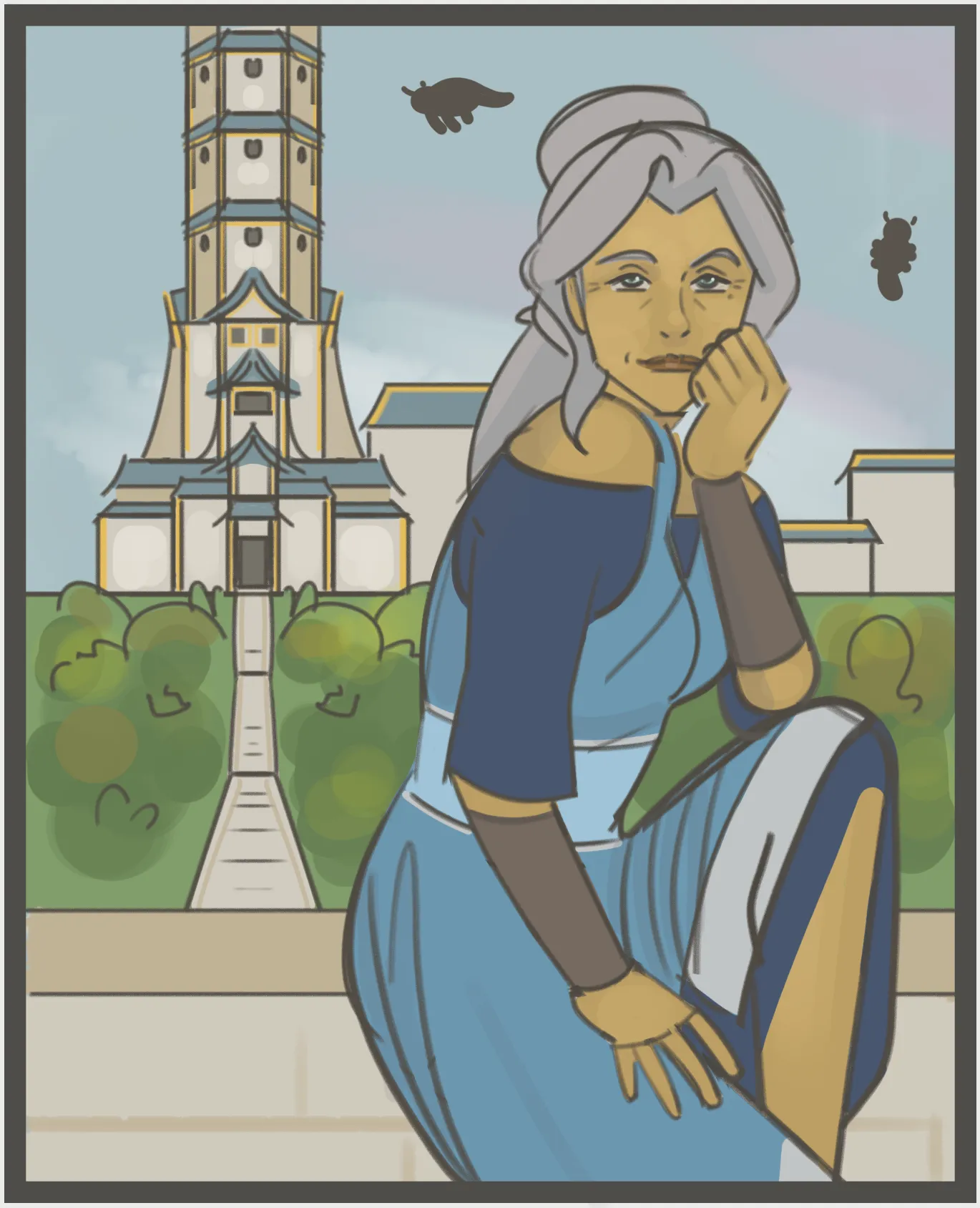
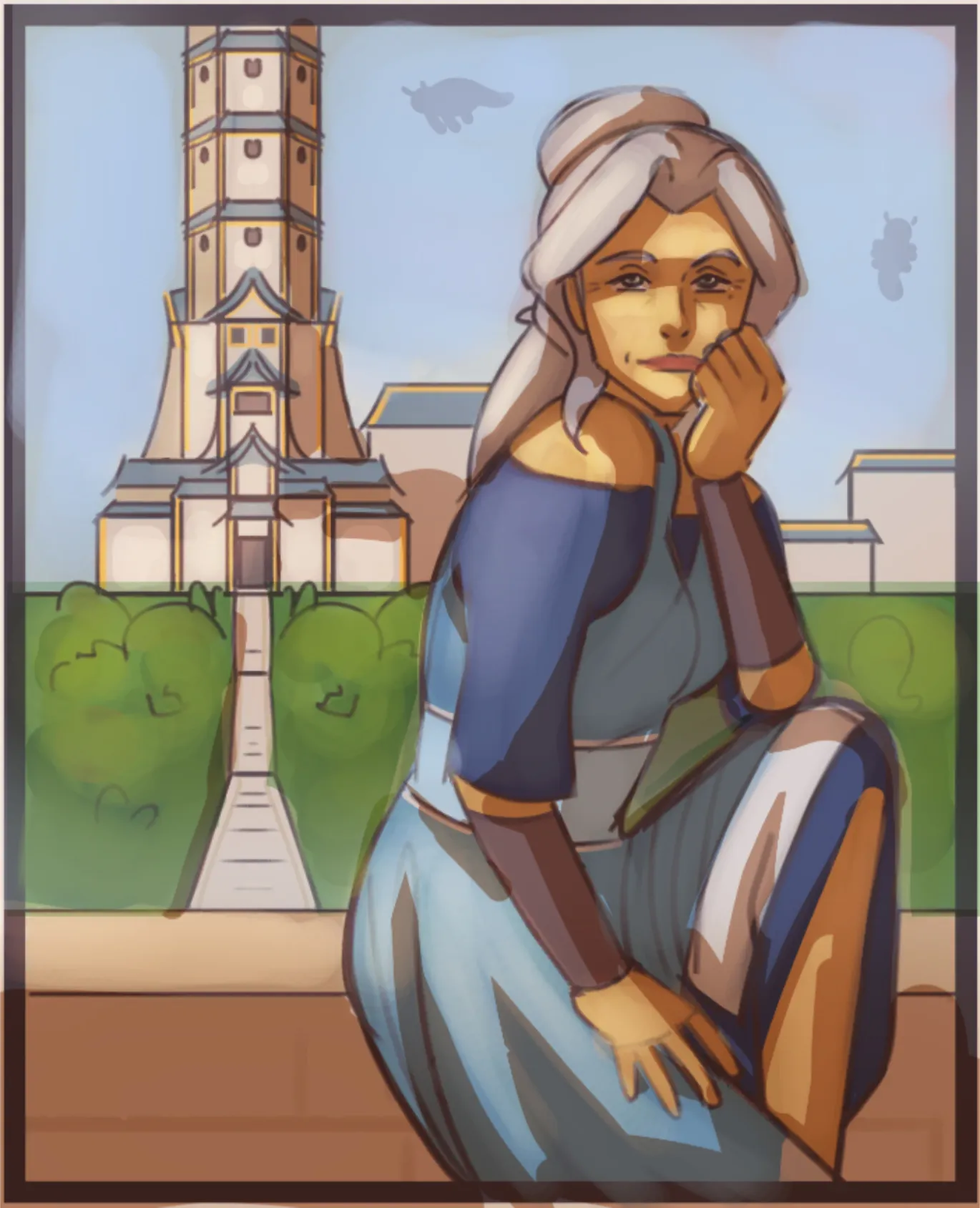
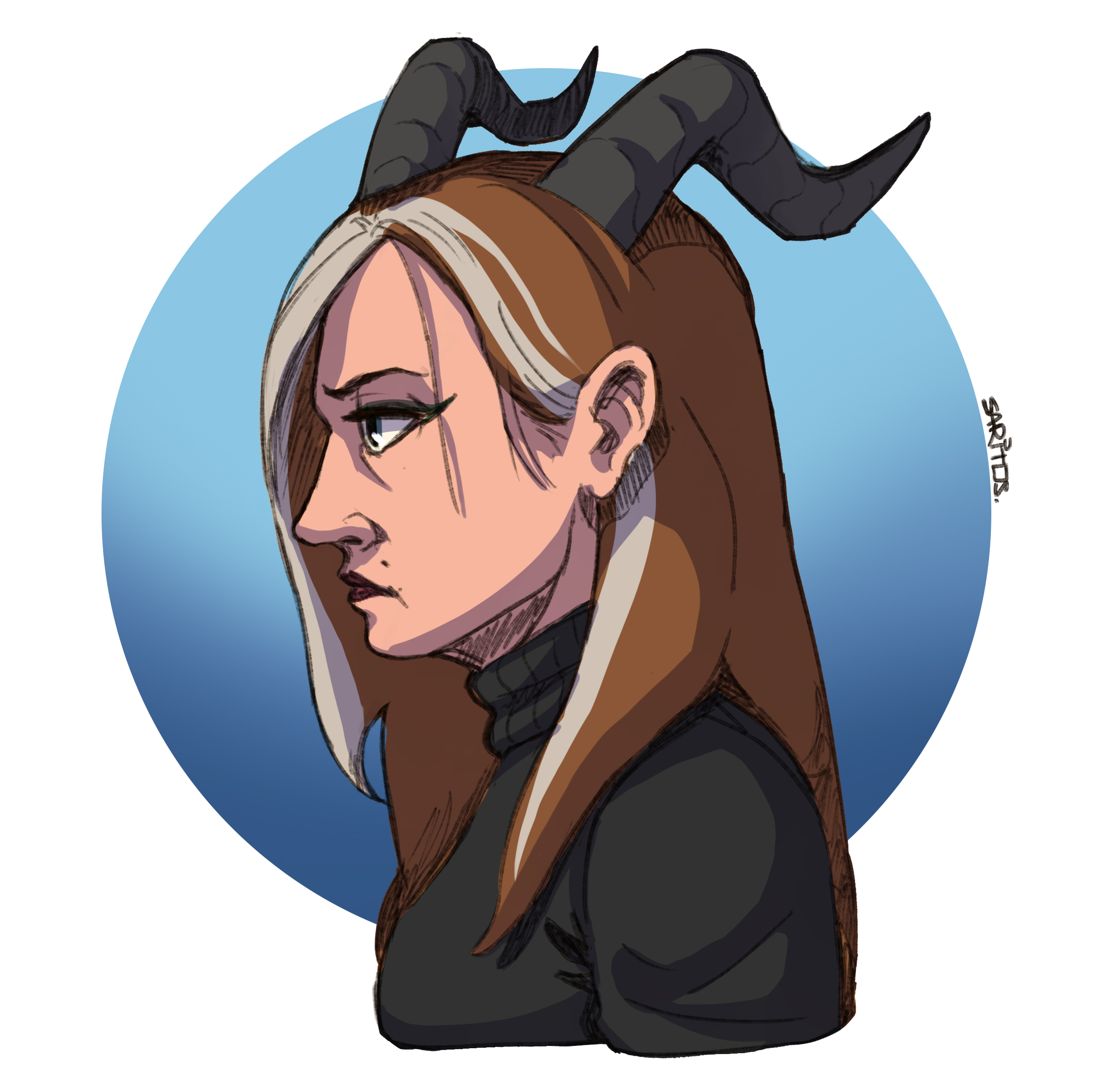
Hi Hi! Lovely fanart you got here! I like that you start with building blocks to construct the picture. The next step before rendering would be giving volume to the drawing with linework and removing construction lines. With a bit more refinement in the drawing process, it will complete the shading stage. The picture is very dark and muddy in terms of colors. So before I started to add shadows,I raised the levels of light using the Levels adjustment layer in Photoshop (it can be found in almost every digital drawing program). Then I proceed with color balance to saturate colors and make them less “washed up”. Setting up a light source—in this case, the light from the top—is necessary for a decent render. Place the shadows on multiple levels, align the character components with the main shadow, and use a neutral color for the shadows (typically warm for cool light and cold for warm light). You can experiment with textures on the drawing's light side during the finishing touches. Be cautious when installing artwork and try not to overdo it to avoid making it noisy for observers. I used the Overlay layer for light and the Multiply layer for shadows. Over flat hues that should not be overly bright or dark, both must be balanced (not too dark or too saturated). Additional you can play with textures on light side but be careful to not go overdetailed. Hope it helps!
Participez à la discussion
Inscrivez-vous pour donner votre avis sur cette œuvre.