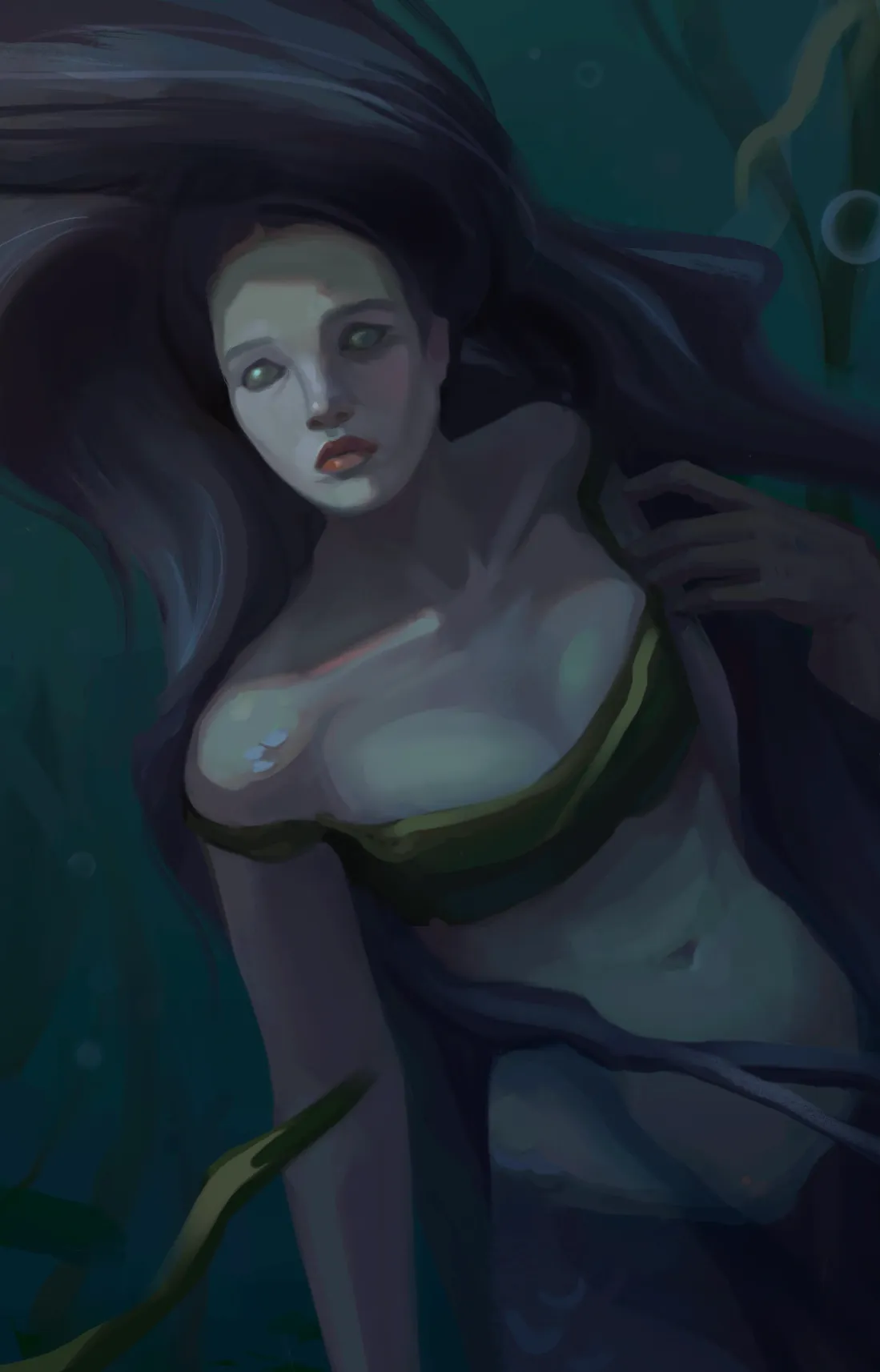
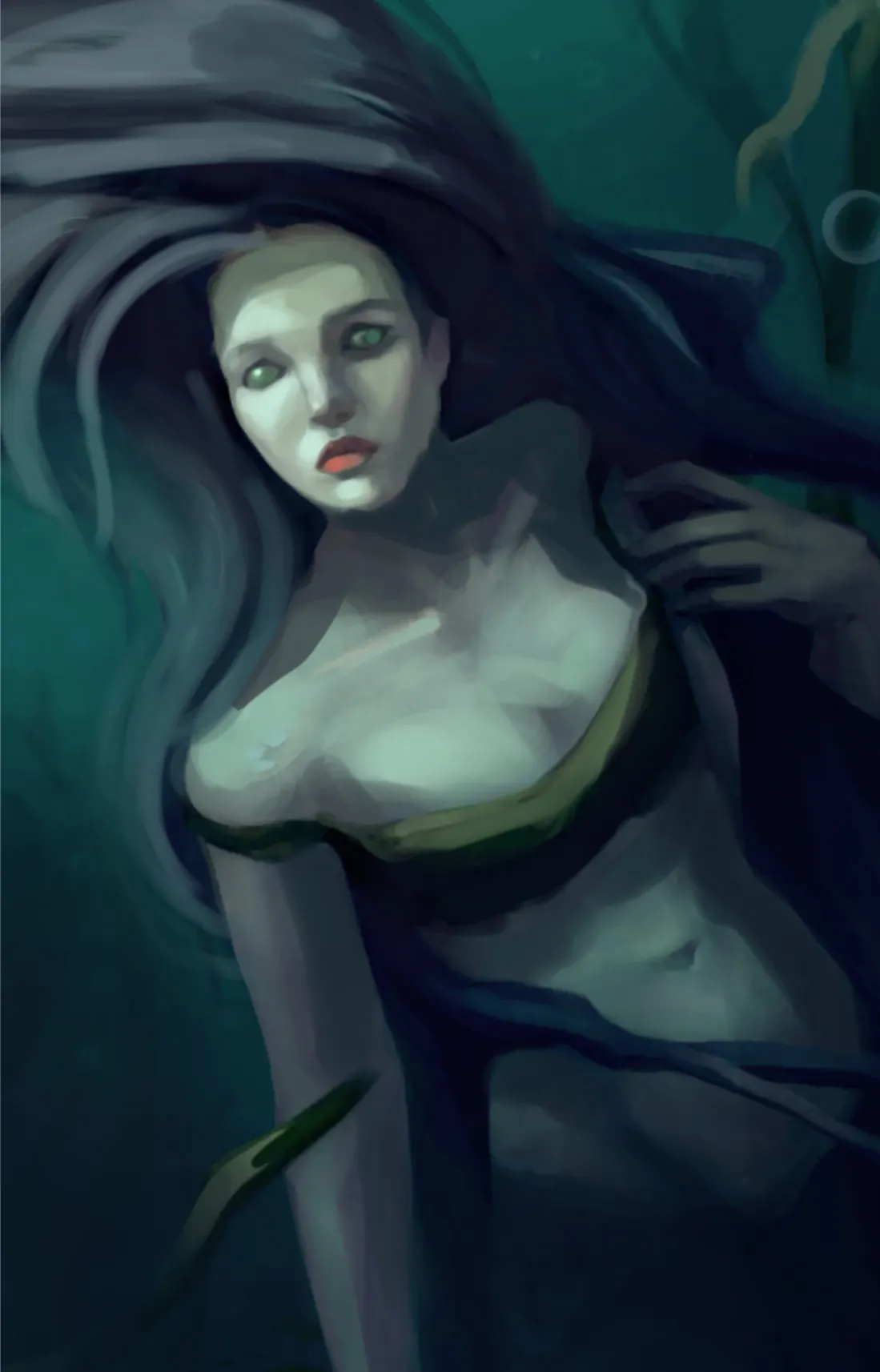
Hello hello! Lovely painting! I like how it is going so far but we can push forward to final touches! First we make the artwork a bit lighter even though she is in murky water (we can add that effect later). For that I used tools like Levels to balance out dark and light and Color Balance tool to bring some saturation. I used Photoshop to edit picture but these tools can be found in almost every digital drawing program of your preference. After that I proceed to put the spotlight you indicated. Here you have a lot of room to add textures,color variations,and push the emotion in the face. This is also our focal point and you will spend most of the render in this area. Then I proceed to define some stripes of hair to break the big shape (just to make it a bit more flowy). The rest is more about reshaping shadows according to the light source and pushing the mood forward. You can apply more darker gradients, but keep them subtle, to create the appearance of murky water. Hope it helps!
Peintres (0)
Mermaid
Notes d'artiste :
Not sure if muted colors are ok, also would like to add some interest