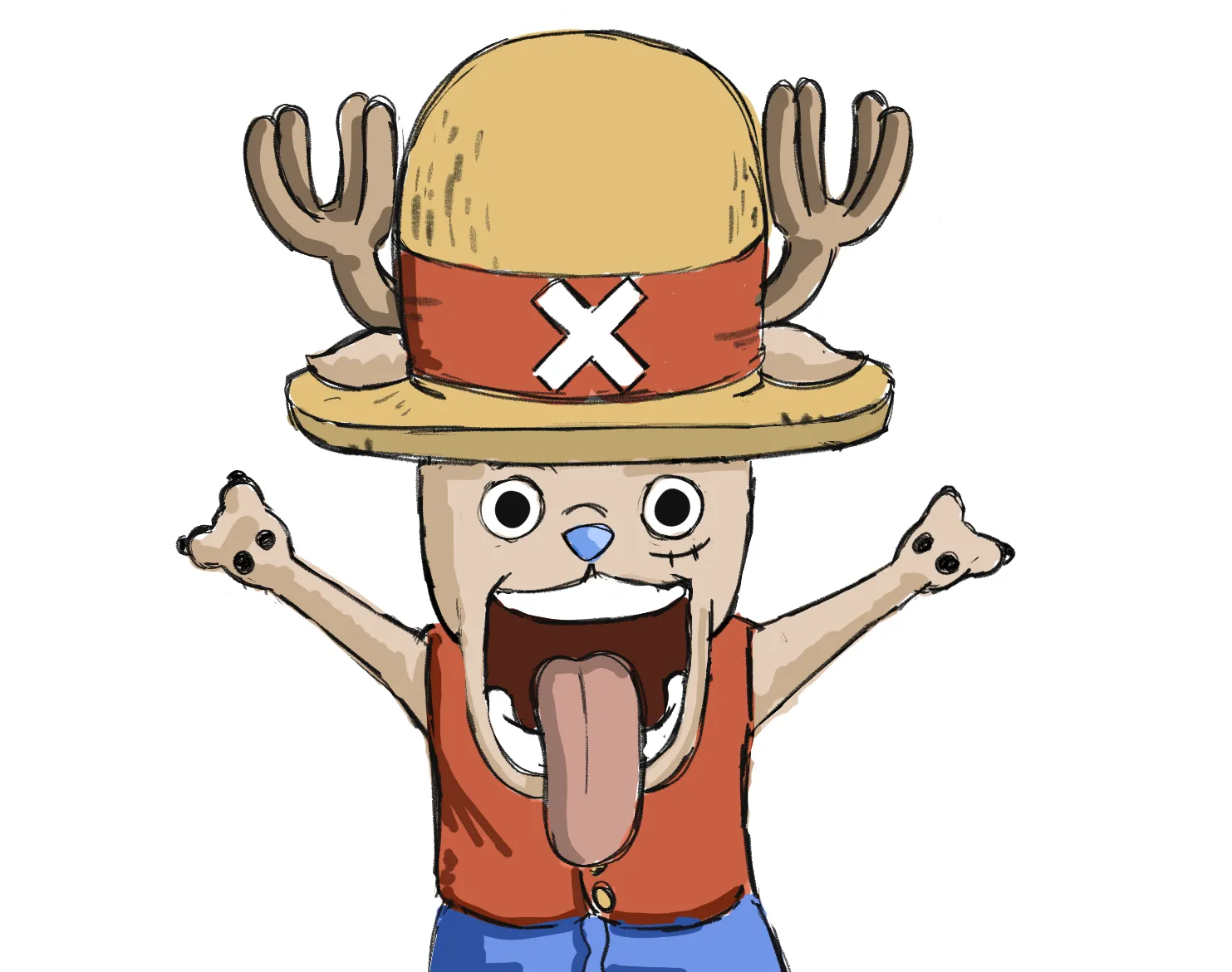
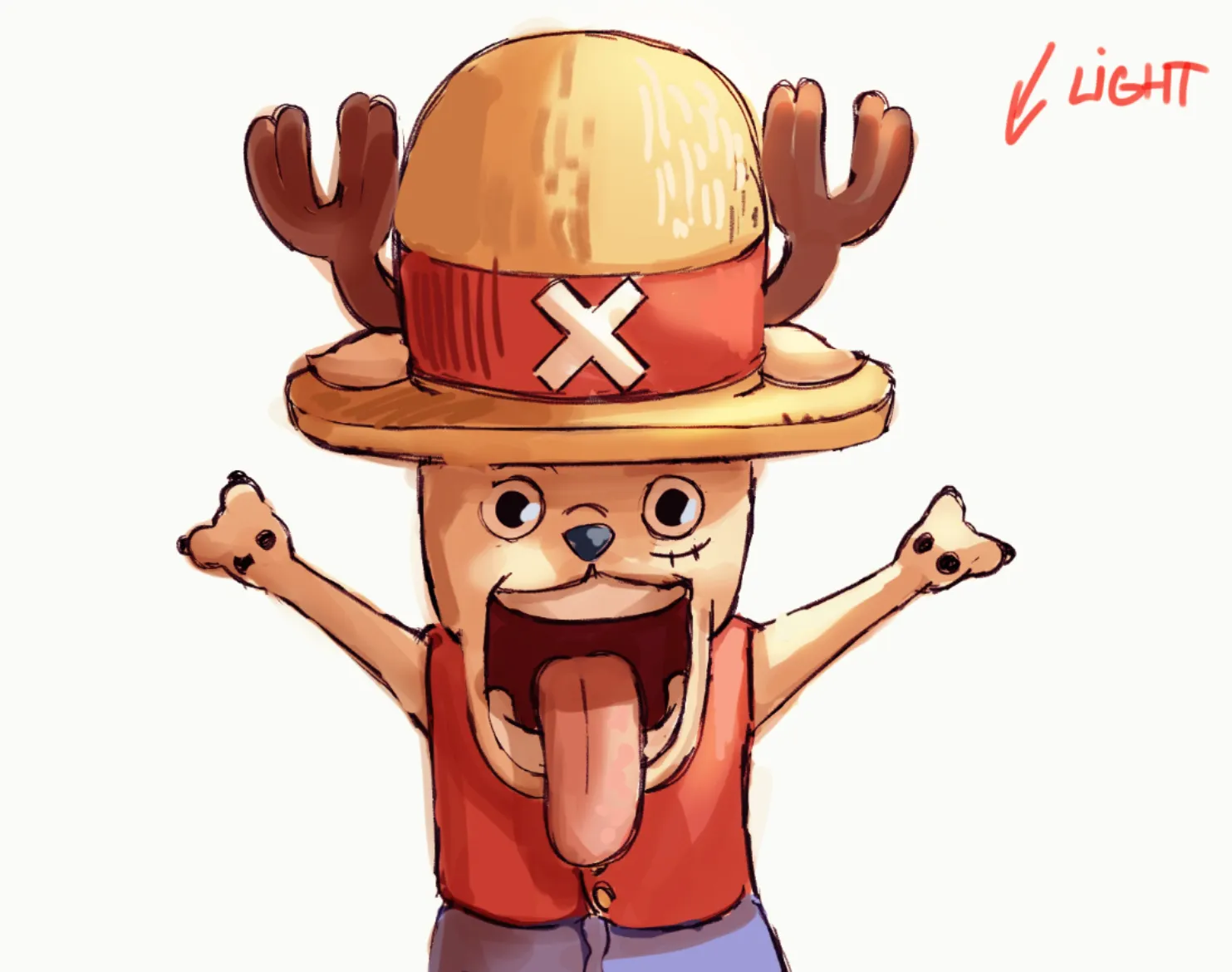
thank you for the feedback i added the legs and tried to shade a bit better, im still pretty new to digital
Pinturas (4)
Comenta 4
Hi Hi! He looks cute and you are off to a good start!Try to have better linework the next time. It will feel more solid and improve the style. For a richer line weight, use both thin and thick lines (use thin lines for details and light sides, and thicker lines for focal points and shadows). A good render requires setting up a light source, in this case, light from top. Use a neutral hue for the shadows (usually warm for cool light and cold for warm light), align the character elements with the main shadow, and organize the shadows on many levels. In final touches, you can play with textures on the light side of the drawing. Be mindful how you place them and try not to overdo it, otherwise artwork will be noisy for viewers. For shadows i used Multiply layer and for light i used Overlay. Both needs to be balanced (not too dark or too saturated) on flat colors that shouldn't be too dull or too bright. Hope it helps! Happy learning!
The drawing is great with lots of character and a good impression. Four main areas but bear in mind that depending on the style this may have been intentional on your part so pick whatever you think is helpful. 1 - Cropping the character just below the belt line seems awkward, I would include the full character including legs. 2 - Avoid lines that touch or nealy touch, best to overlap to provide better depth. 3 - Avoid scratchy or multiple lines, fine when creating a sketch but best to then start new layer and do single flowing lines to get a neater finish. 4 - Consistent shading with neat edges. Your shading is in certain parts like the band on the hat but not the had itself, on the tongue but not the teeth. Draw the light source and direction (just as a guide, erase when done) then imagine where the the light would be obscured then draw the darker colour in these areas. Easiest thing is to use lasso tool with multiply layer to quickly block in.
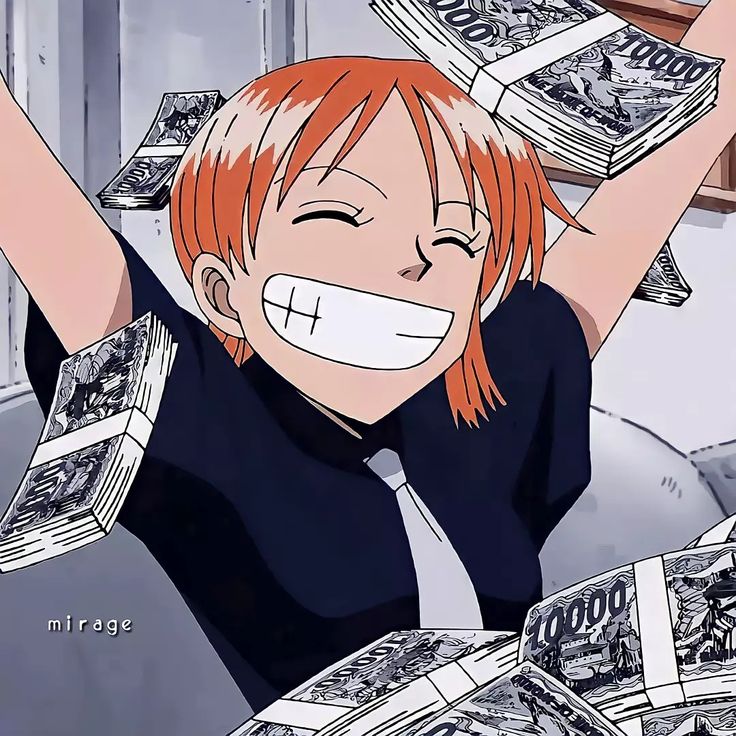
this is so funny dude keep drawing lmaoo
Chopper and Luffy mashup
Notas de autor:
any advice on how to improve this
40