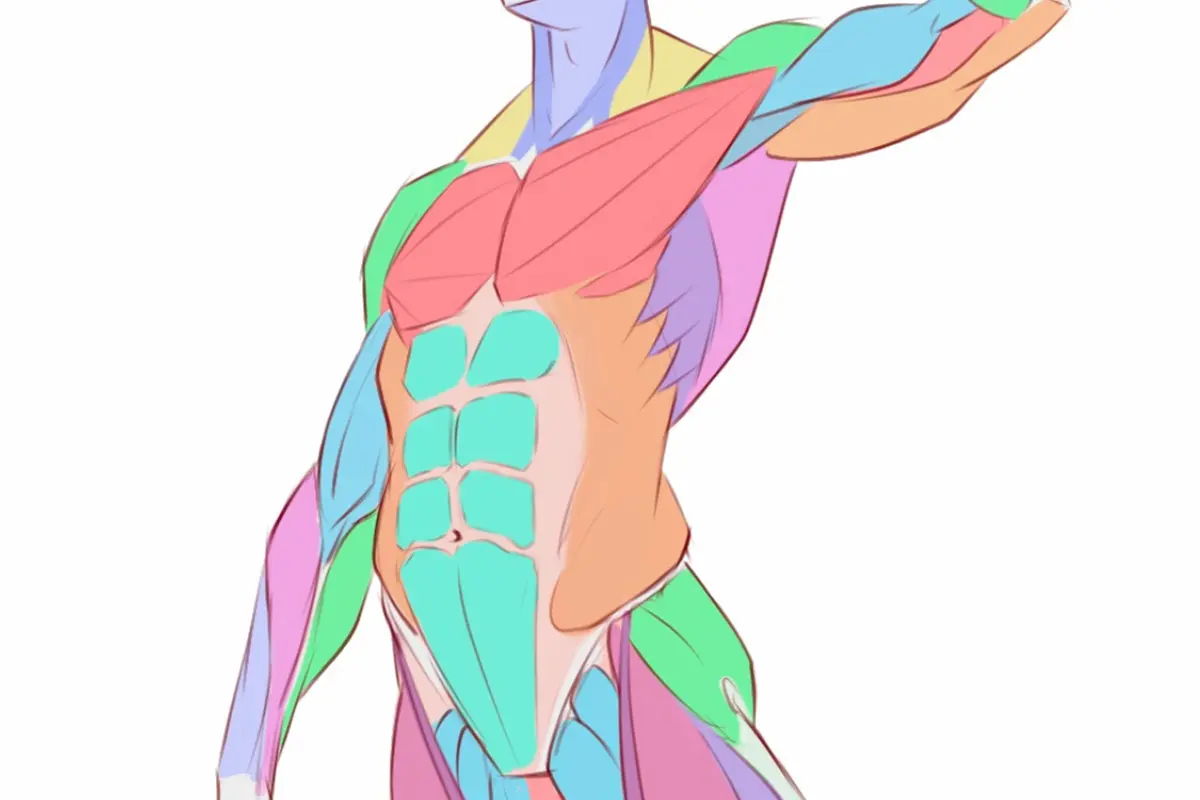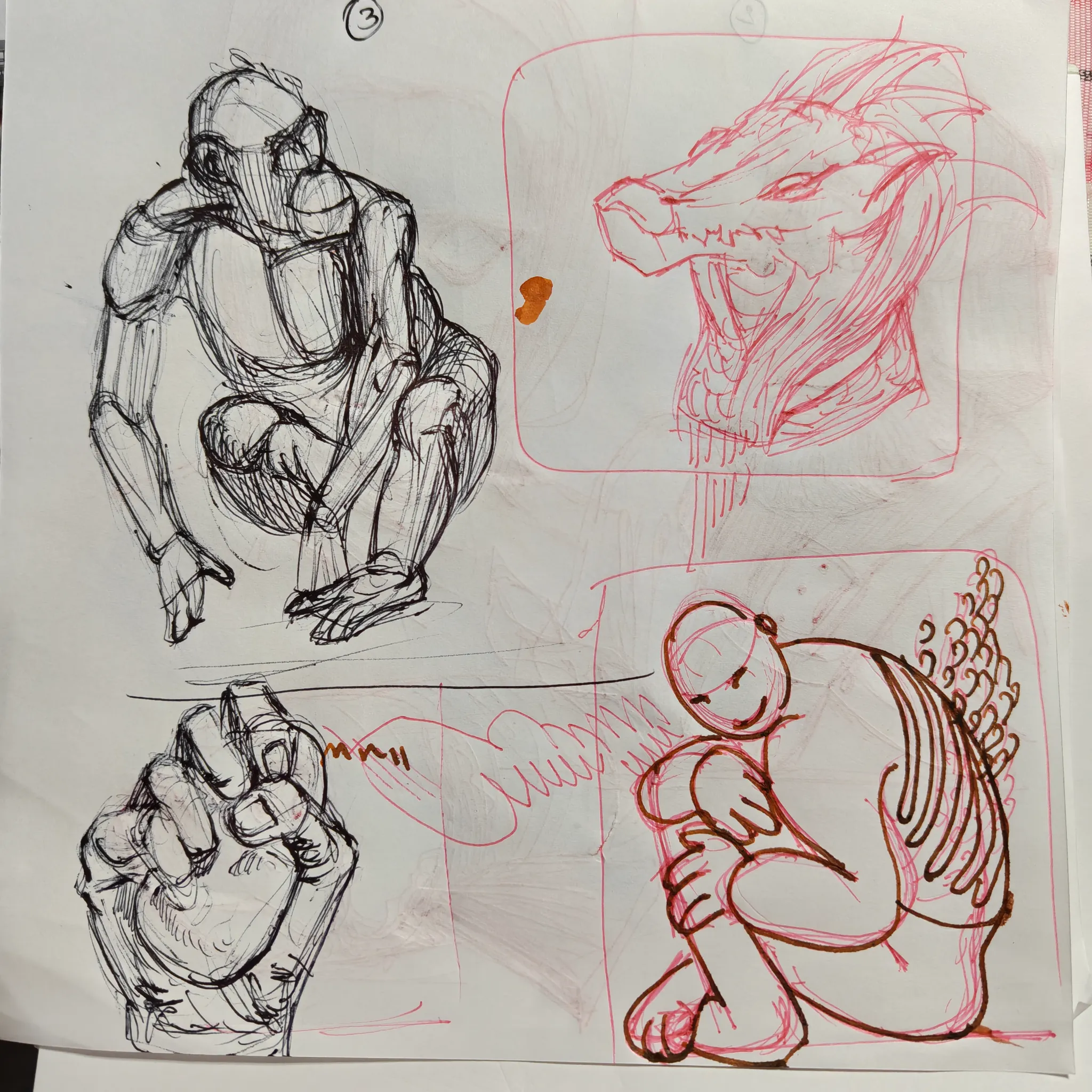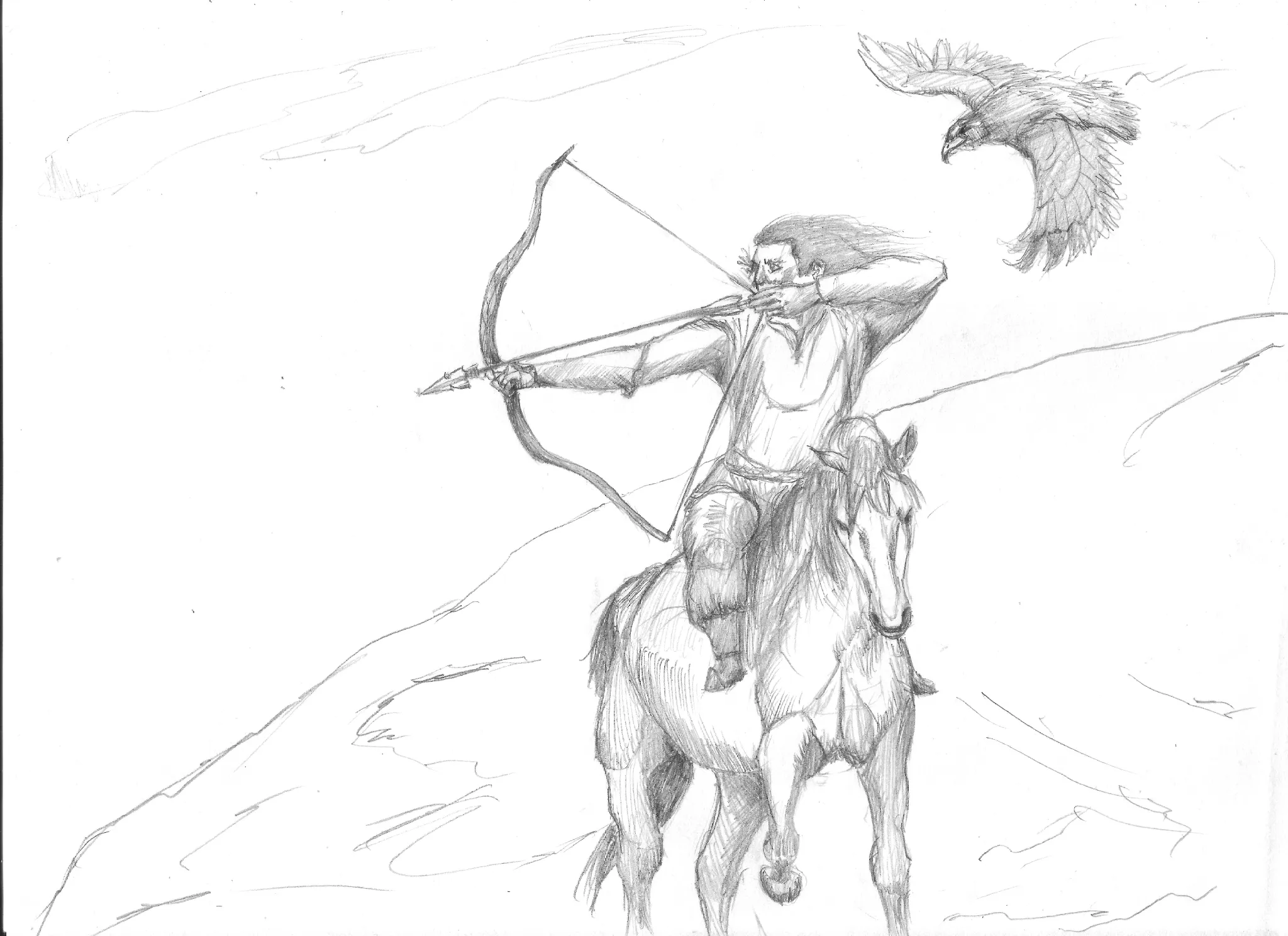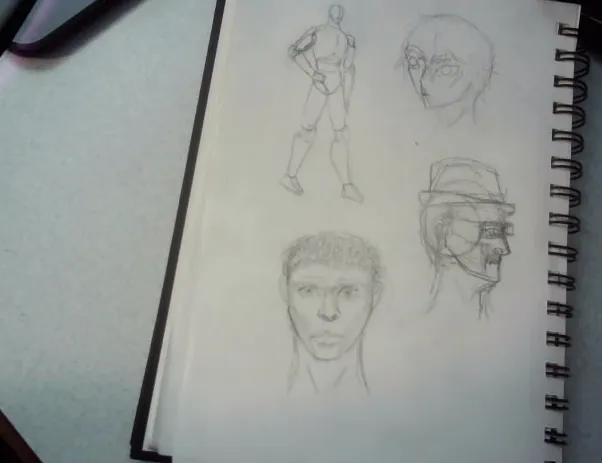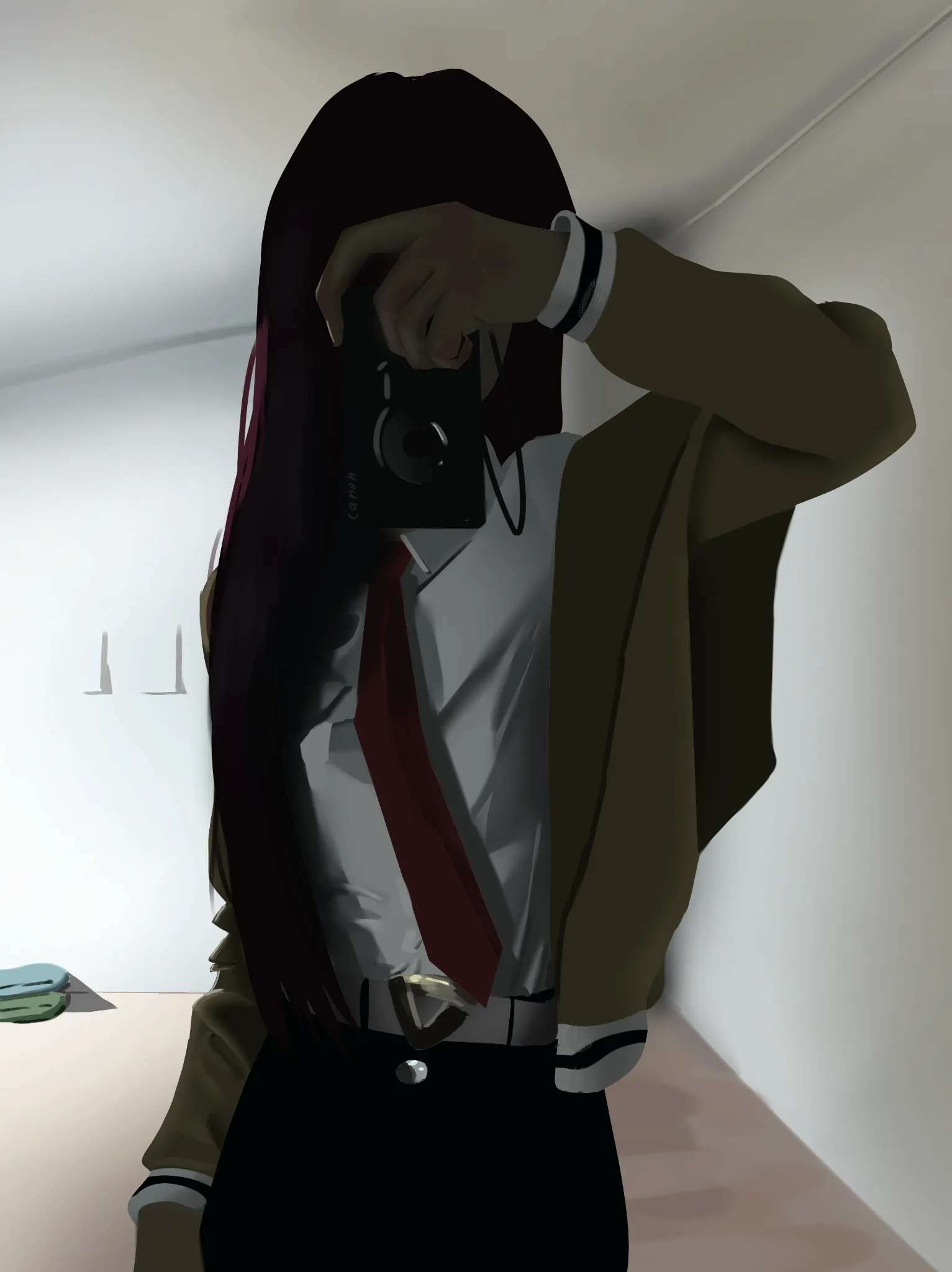
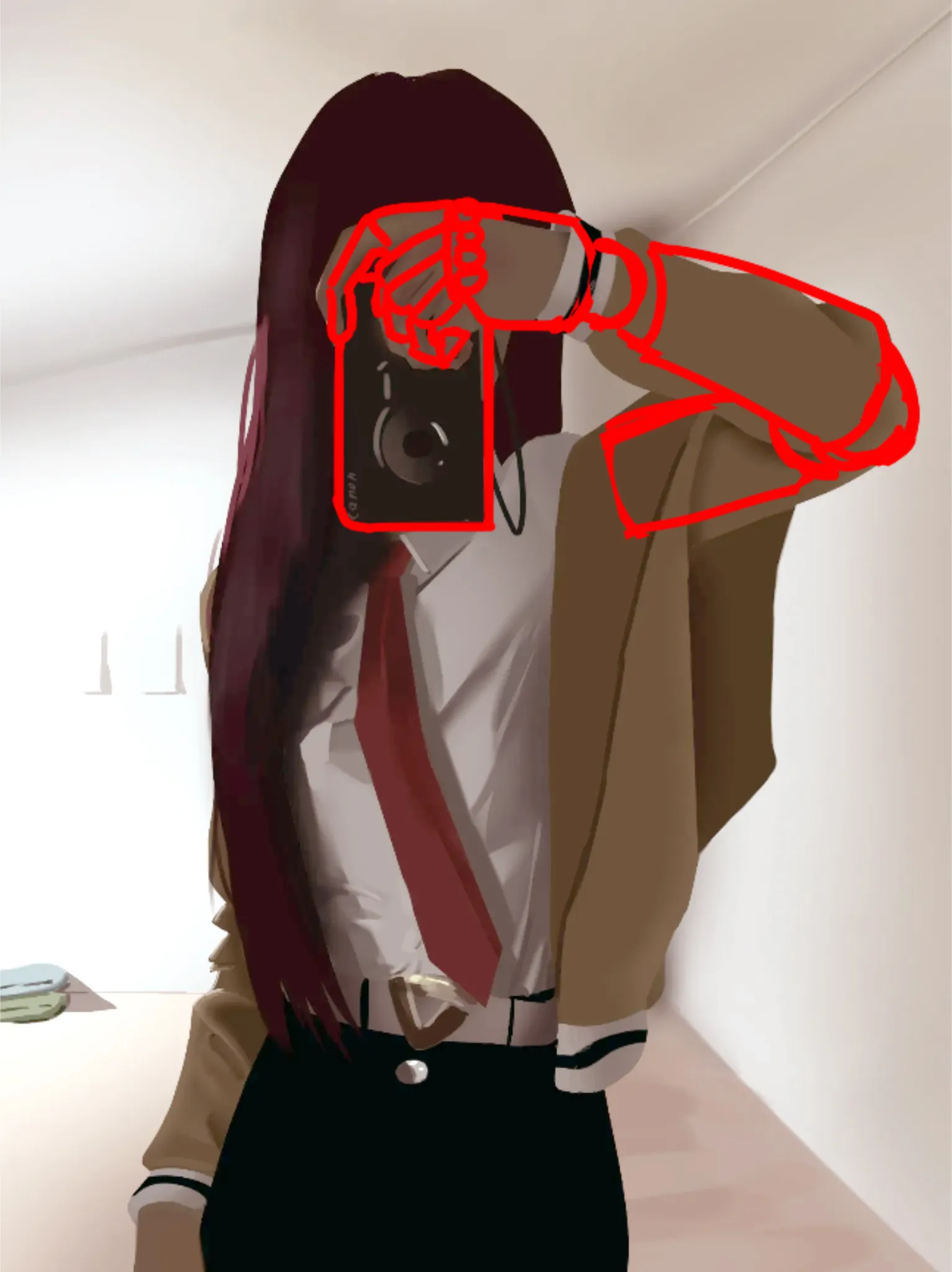

Hello Hello! Interesting composition! Here are my few easy fixes: I started by turning up the image's light. Overall, the room was too dark for the powerful light source on the side of the white room. Keep in mind that light reflects off of walls and onto other objects in the space. I did that by using Photoshop's Levels tool to increase light intensity and decrease dark. I used Color Balance and carefully adjusted the quantity of warm and cool hues in the image to make the colors richer. Avoid overdoing it as it can easily get overly saturated. In case you dont use Photoshop, you can find these layer adjustments in almost every digital drawing program. I encourage you to look up for tutorials who will explain each usage of the tool in greater detail! Regarding the anatomy: i only did a minor fix of the arm in front. This can be tricky to grasp so break the pose in simple shapes before adding organic forms on top. Hope it helps!
Participez à la discussion
Inscrivez-vous pour donner votre avis sur cette œuvre.